VOT1; Rev 1.5; EN; 5.11.2015
TKT66 – Installation and maintenance
8.2 Printer
The central battery units of the type Tapsa Control TKT66xxCD(L) or optional feature TST6631 are
equipped with a printer. The results of the last test can be printed using the menu options as follows:
Press the MENU / OK button.
Use the BROWSE button to select 1, Report.
Use the SET button to select 1, Print a report of all circuits.
Accept the selection with the MENU / OK button.
The report can be attached to the central battery unit's logbook as a proof of a completed test.
8.2.1 Language selection of the printer (TKT66xxC(N)D(L)) or optional feature TST6631
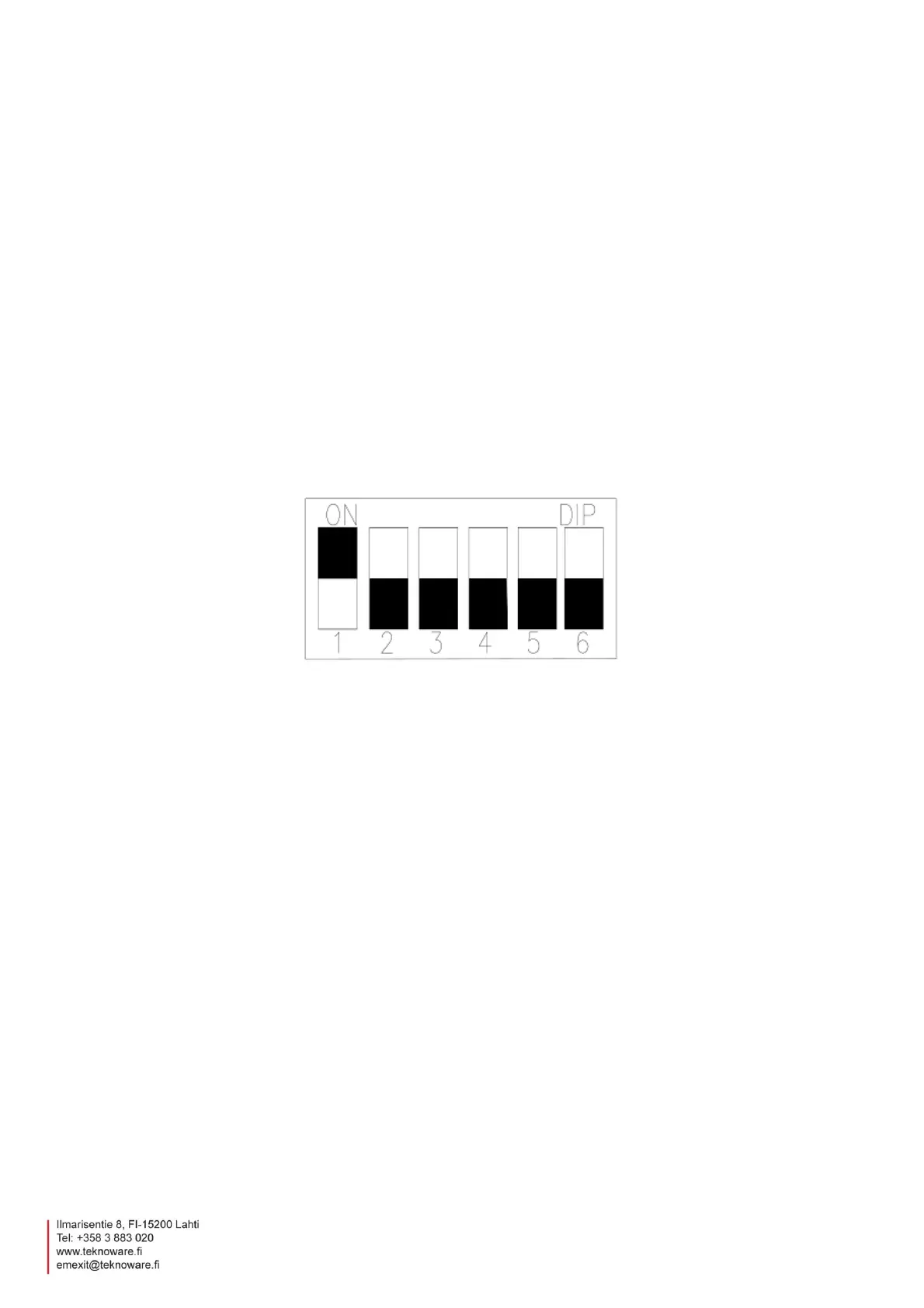
It is a possible to switch the language of the printing with the DIP switches of the TST3004 unit. The
TST3004 contains the pre-programmed languages English, Finnish, Swedish and German. English is
pre-selected in the factory.
The language is chosen with the DIP switches (1 and 2).
1=0, 2=0 ENGLISH
1=1, 2=0 FINNISH
1=0, 2=1 SWEDISH
1=1, 2=1 GERMAN
8.2.2 Printing out test reports
The results of the last test can be printed by using the menu options.
To print out the results,
1. Press the MENU / OK button.
2. Use the BROWSE button to select 1. Report
3. Use the SET button to select 1. Print a report of all circuits.
4. Accept the selection with the MENU / OK button.
The report can be attached to the central battery unit logbook to indicate a completed test.


 To Next Page