Answering and Placing Calls on Master Stations
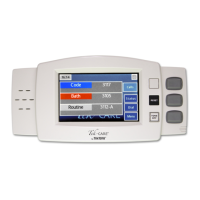
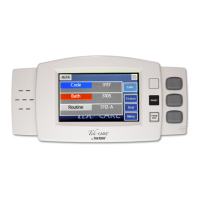
The NC404TS Master Station is capable of answering and placing calls within the facility.
To talk to the station that placed a call, simply lift the handset of the applicable master station and
begin speaking. Picking up the handset will automatically answer the first call in the list. If more than
one call is displayed, touch the call you wish to answer to select it before lifting the handset or pressing
the TALK button. If you wish to use the push-to-talk feature instead of using the handset, press and
hold the TALK button on the master station. Release the TALK button to listen.
Once the call is complete, either hang up the handset on the master station or press the RESET button.
Password Protection
Some features may be password protected. If there is an icon with a key on the top of the screen, enter
the password to view or edit a page.
Touch the key at the top left corner of the screen.
Enter the password on the keyboard screen and press the key next to the password. Once the password is
entered correctly, the background of the key will turn yellow.
Copyright
©
TekTone Sound and Signal Mfg., Inc. All Rights Reserved
IL1052 NC403TS and NC404TS Installation Manual | 13
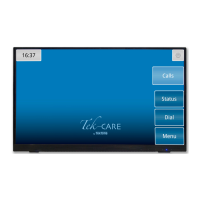
Calls Screen


 To Next Page