Need help?
Do you have a question about the TekTone NC403TS and is the answer not in the manual?
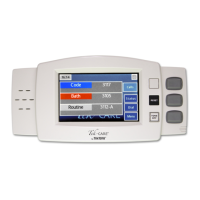
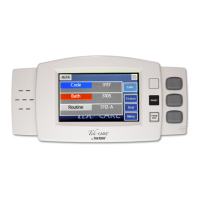
Steps for connecting and mounting the NC403TS monitor, including component connection details.
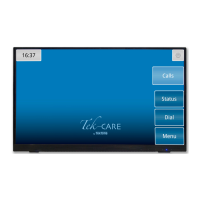
Steps for connecting and mounting the NC404TS master station, including sidecar attachment.
Using the LS450 Config Tool to set up master stations and monitors, including basic details.
Configuring the visual layout for monitors using List and Icon views in the Config Tool.
Configuring map views for master stations, including proximity maps and location icons.
Implementing password protection for master station features via the Config Tool.
Displaying active calls in a list format on the master station screen.
Displaying active calls using icons on the master station screen.
Displaying active calls on a facility map layout on the master station.
Procedures for interacting with calls, including using the handset or TALK button.
Accessing protected features on the Calls screen using a password.
Procedure for updating the system's current time and date via the Time screen.
How to change Tone Volume and Voice Volume settings on the master station.
Configuring system connection, notification sounds, and pre-announcements.
Using the Dial screen to search for stations and access call details.
Configuring zone assignments and audio parameters for individual stations.
Setting up staff rounding schedules and resident check-in status.
Accessing patient/staff search and sending messages or pages.
Creating system configuration backups and accessing reporting data.
Viewing system faults, initiating repair, and redetecting devices.
 General
| Model | NC403TS |
|---|---|
| Manufacturer | TekTone |
| Display | LED |
| Communication | Wired |
| Power Supply | 24VDC |
| Enclosure | Plastic |
| Voltage | 24V |
| Operating Temperature | 0-50°C |
| Storage Temperature | -20°C |
| Humidity | 95% non-condensing |

 To Next Page