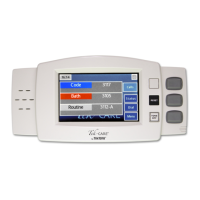
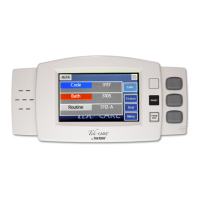
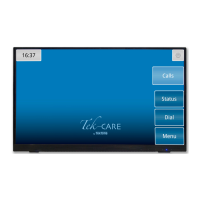
Configuring the NC403TS Monitor and NC404TS Master Station
Configuring the NC403TS Monitor and NC404TS
Master Station
Once hardware installation is complete, set up the system configuration. The LS450 Config Tool is used
to configure the system, and is installed on a programming laptop. Once the hardware is installed,
choose Load Configuration from System on the splash screen.
Refer to the LS450 Config Tool Installation and Operating Instruction Manual, IL855, for more inform-
ation on how to set up the Config Tool. The NC403TS Monitor and NC404TSMaster Station settings
can be found in the Masters and Monitors pages of the Config Tool. Go to the Masters page first and
enable the NC404TS Master Station and confirm the type. Apply and save the changes and then go to
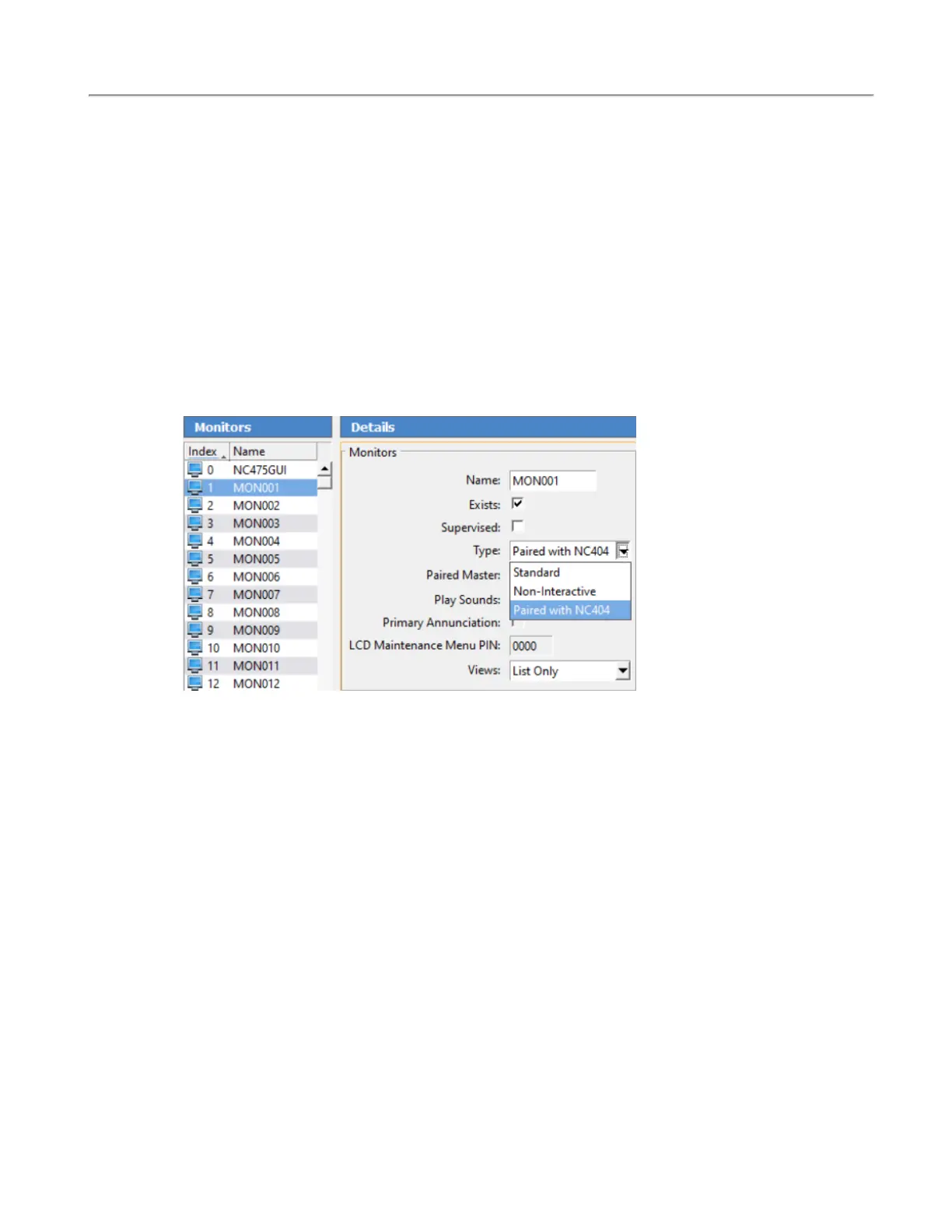
the Monitors page. Select an available monitor from the monitor index and click Edit.
Change the name of the monitor to something that is easily recognizable. If this monitor is to be recog-
nized on the Tek-CARE Network, check Exists. If the monitor disconnects from the network and the
facility wants a fault displaying that information, click Supervised.
Under Type, choose Standard for the NC403TS Monitor Paired with NC404 for the NC404TS Master
Station and select the paired master station which was created earlier.
Under Views, choose either List only (same functionality as an event monitor), List and Icon, or List
and Map for the view mode of the devices.
Check Play Sounds if you want the monitor to play sounds when a call is coming in. The NC475 will
serve as the primary annunciator on the system (Monitor ID 0000). However, if it will be unattended in
an equipment room, uncheck Primary Annunciation.
Under Zones and Call Filter, select the applicable zones and call filters that are to be annunciated on
the monitor. Click Apply.
8|IL1052 NC403TS and NC404TS Installation Manual
Copyright
©
TekTone Sound and Signal Mfg., Inc. All Rights Reserved


 To Next Page