Installation
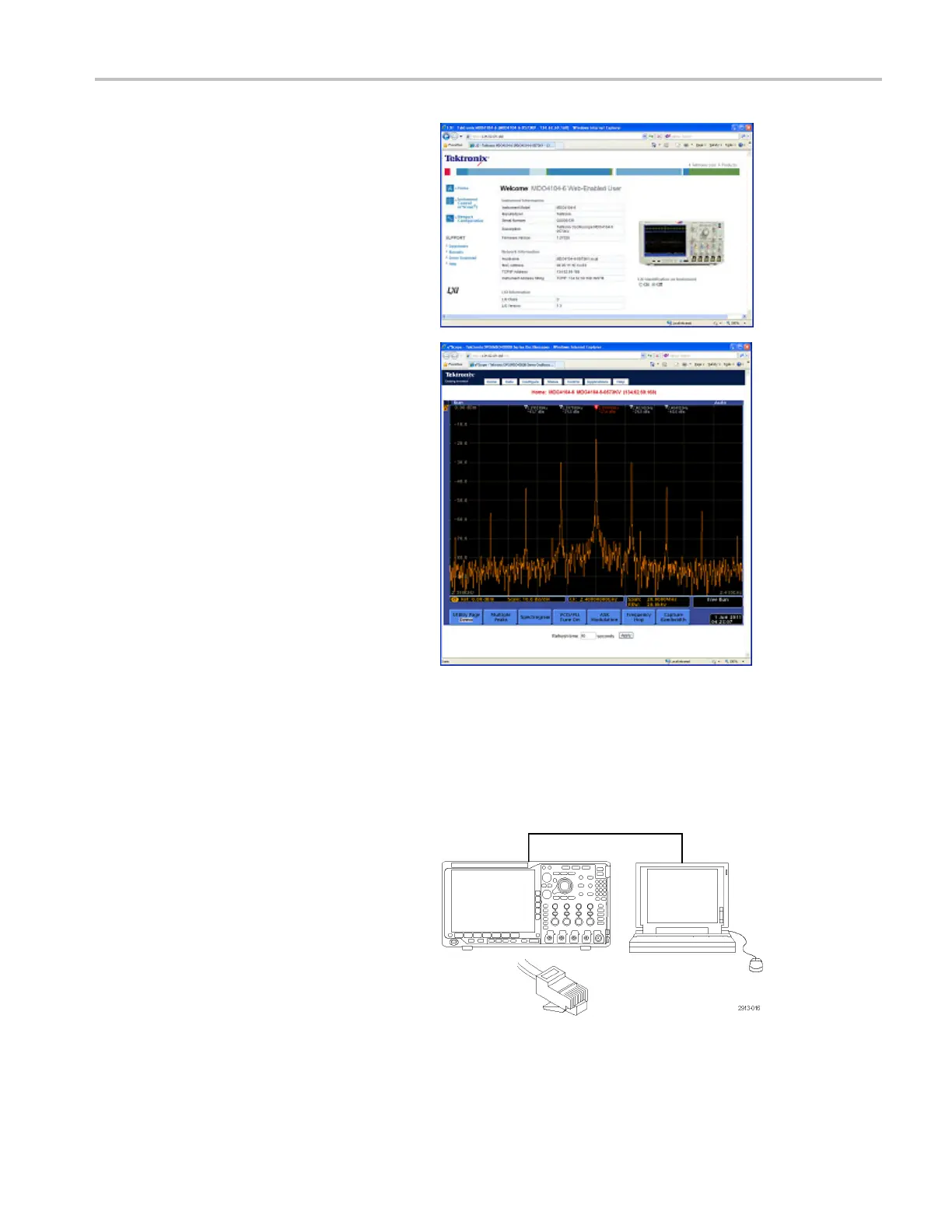
16. For e*Scope, click the Instrument Control
(e*Scope) link on the left side of the LXI
Welcome page.
You should then see a new
tab (or window) open in your browser with
e*Scope running.
Using a Socket Server
Asock
et server provides two-way communication over an Inte rnet Protocol-based computer network. You can use your
oscilloscope’s socket server feature to let your oscilloscope communicate with a remote-terminal device or computer.
To set up and use a socket server between your os cilloscope and a r emote terminal or computer:
1. Connect the oscilloscope to your computer
netw
ork using an appropriate Ethernet
cable.
MDO4000 Series Oscilloscopes User Manual 29


 To Next Page
 Loading...