TS4000 Radio Modem User’s Manual Configuration Program 11
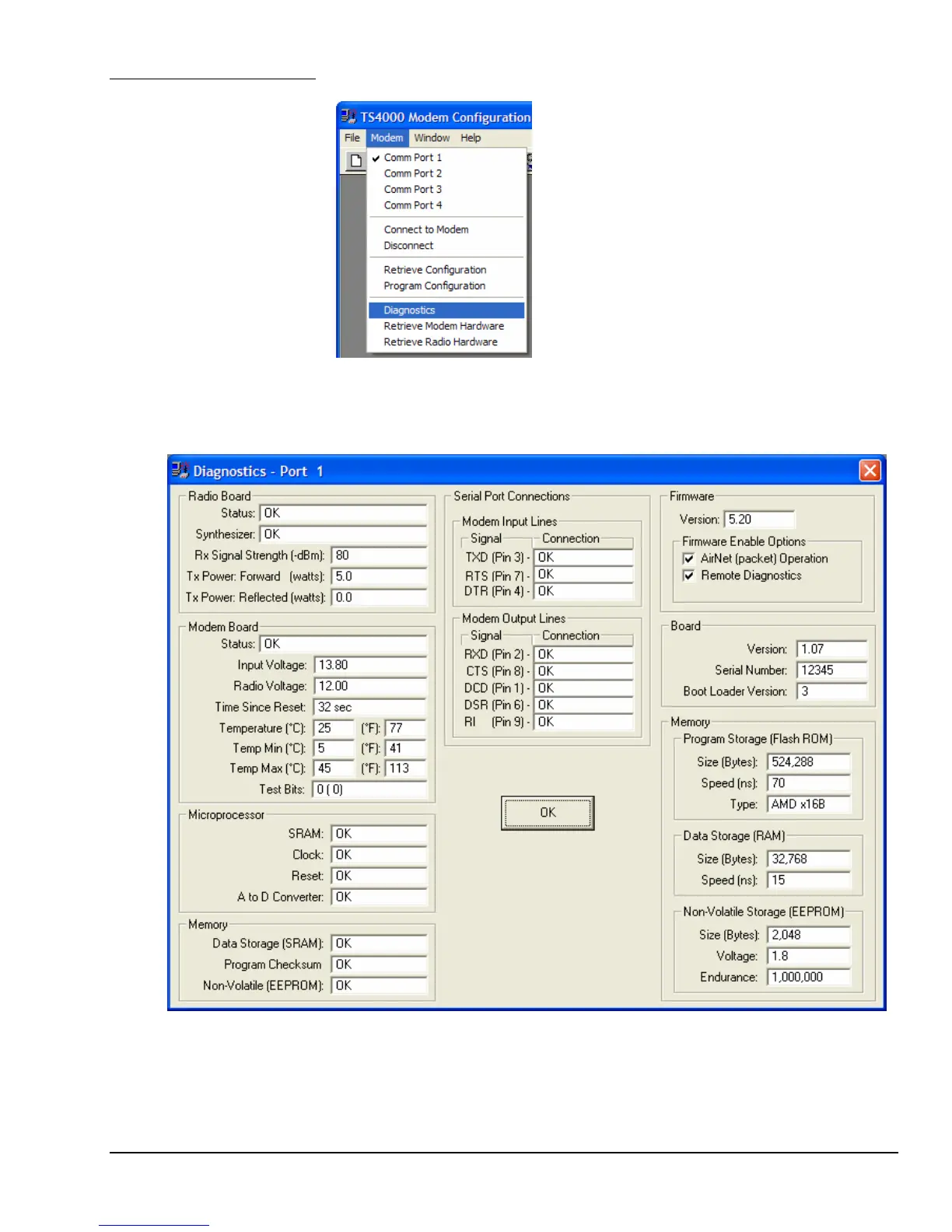
The configuration program can access diagnostics information from the TS4000.
This is done using commands under the Modem
menu or the corresponding buttons.
Diagnostics
Choose the Diagnostics menu to run, read and display diagnostic status of the
TS4000. The diagnostics tests the major components of the modem and also
monitors the power supply voltages.
Diagnostics Screen



 To Next Page