TS4000 Radio Modem User’s Manual Testing 64
Testing
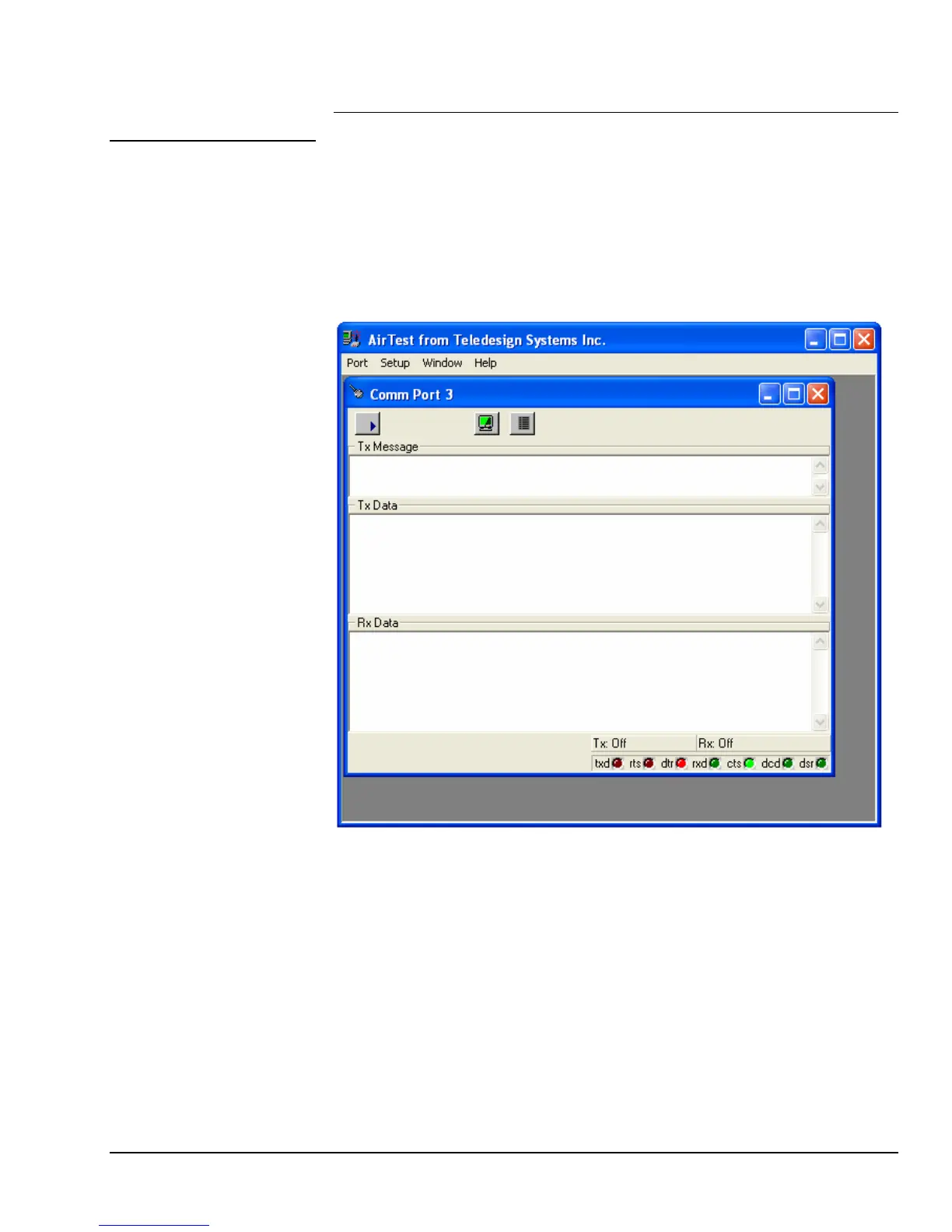
AirTest is Teledesign’s general purpose wireless modem test software. AirTest
can send data and gather performance statistics about the link between multiple
modems.
AirTest
AirTest is modem independent and can be used with any asynchronous serial
communications device.
To start AirTest press the AirTest button on the main screen of the configuration
program. For details on using AirTest consult AirTest’s on line help.
To test the operation of the TS4000, AirTest can be used to pass data between
two modems.
Data Test
1) Attach two TS4000s each to a PC serial port.
2) Configure AirTest for serial port settings (baud rate, data bits and parity) that
match the attached TS4000’s settings (Setup Manu – Port Setup).
3) Transmit data between the TS4000s by typing a message into the Tx
Message box of the Comm Port window followed by the ENTER key.
4) Automated tests can be run that will send data and verify that it is received
correctly. To select a test, use the Test Setup command from the Setup
menu. Use the on line help to obtain more information about each test.



 To Next Page