TS4000 Radio Modem User’s Manual Testing 66
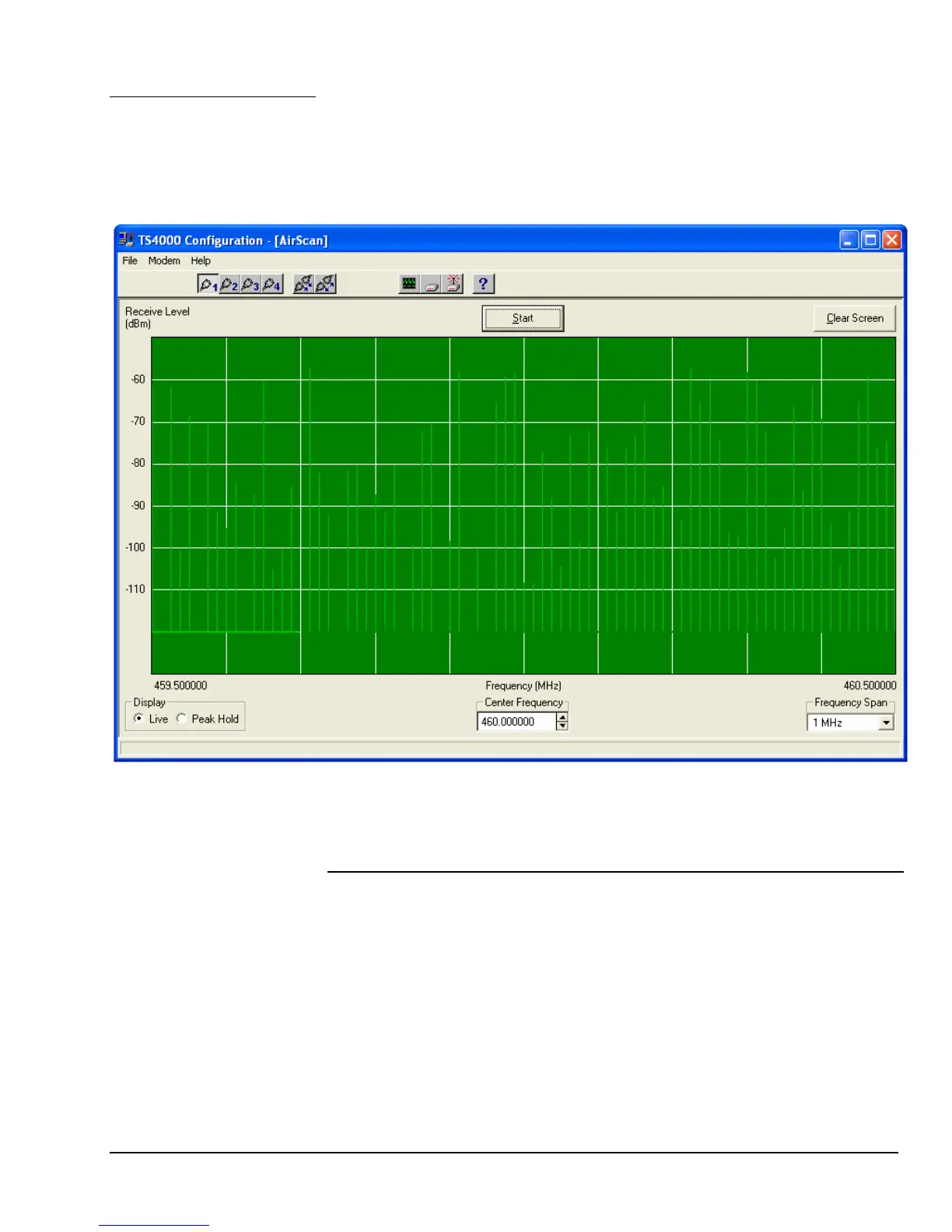
AirScan enables the TS4000 to be used as a frequency scanner. AirScan is
useful for determining the frequency and magnitude of potential interference
within the TS4000’s frequency band.
AirScan
To start AirScan press the AirScan button on the main screen of the
configuration program.
AirScan scans each channel within a set range of frequencies. The granularity of
the scan is fixed at the minimum channel spacing of the TS4000.
AirScan Controls
Selection Description
Live In this mode the scanning overwrites the previous values of
signal magnitude.
Peak Hold The display shows only the largest magnitude signal. Use
the Clear Screen button to reset the values.
Display
This sets the frequency in the middle of the display. Note that the frequencies at
the edges of the display are also indicated.
Center Frequency
This is the frequency span from the left edge to the right edge of the display.
Frequency Span



 To Next Page