TS4000 Radio Modem User’s Manual Serial Port 19
Selection Description
Always Active The CTS line is active.
Active when Transmitter is
Sending Data
CTS is normally inactive and is activated when the
TS4000 is transmitting and the radio channel is
ready for the transmission of data.
Active when Transmitting CTS is normally inactive and is activated when the
TS4000 is transmitting. Note that the modem
begins transmitting only after it has received at
least one character (non-control string) of data.
This selection can be used to remote the transmit
light.
Delayed RTS CTS is normally inactive and is activated a fixed
time after RTS becomes active. The time is
controlled with the RTS to CTS delay value.
Deactivate when Transmit
Buffer is Full
When this is enabled, CTS is deactivated when the
transmit buffer is full. This setting effects all of the
above options.
CTS Line Control
Selection Description
Active when Operational DSR is active when the TS4000 is powered and
has passed self test.
Active when Transmitting DSR is active when the TS4000 is transmitting.
This selection can be used to remote the transmit
light.
Active when Receiving DSR is active when the TS4000 detects a signal on
the radio channel. This mode can be used to
remote the receive light.
DSR Line Control
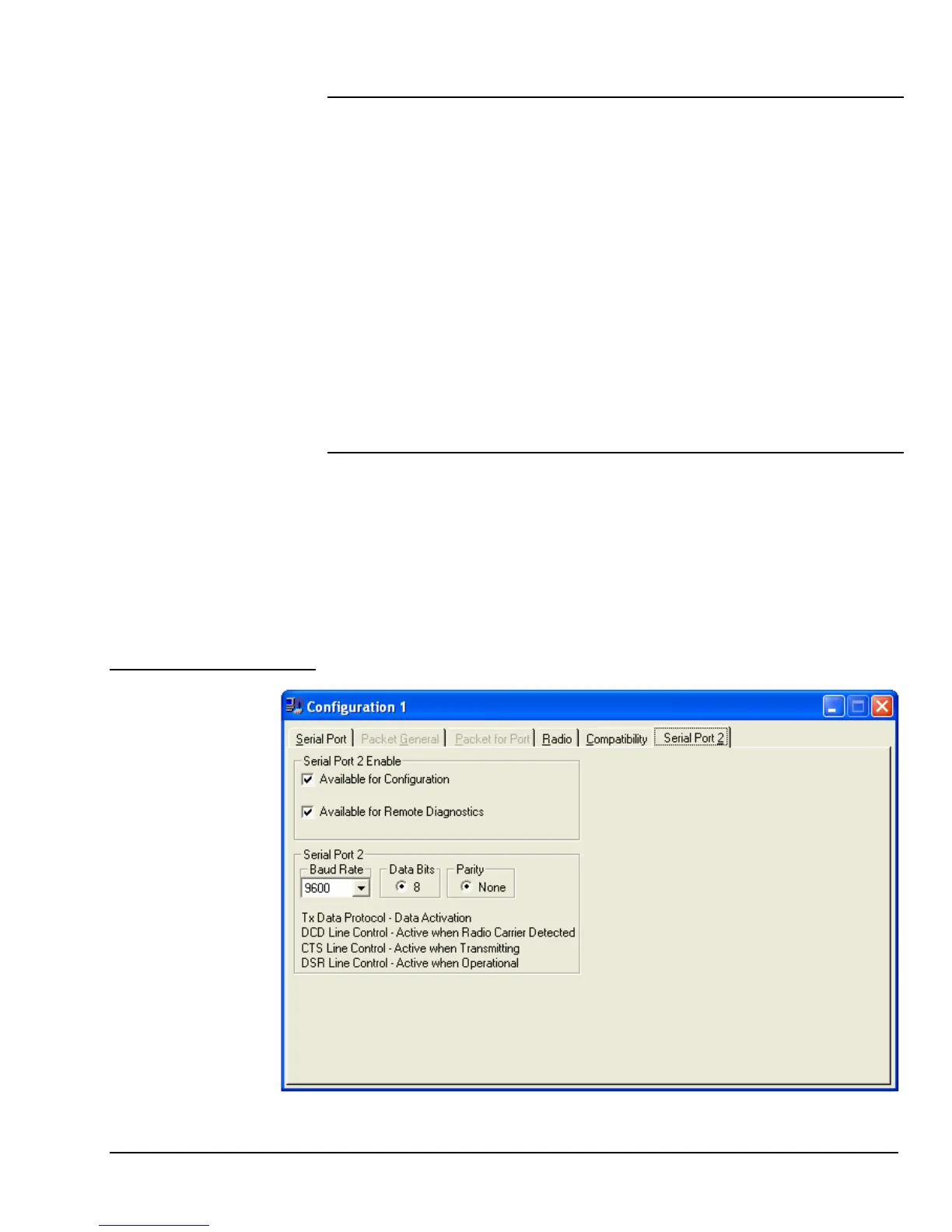
Serial Port 2



 To Next Page