16 • 4. Remote Configuration
MCC201/MCC201H User manual
4. Remote Configuration
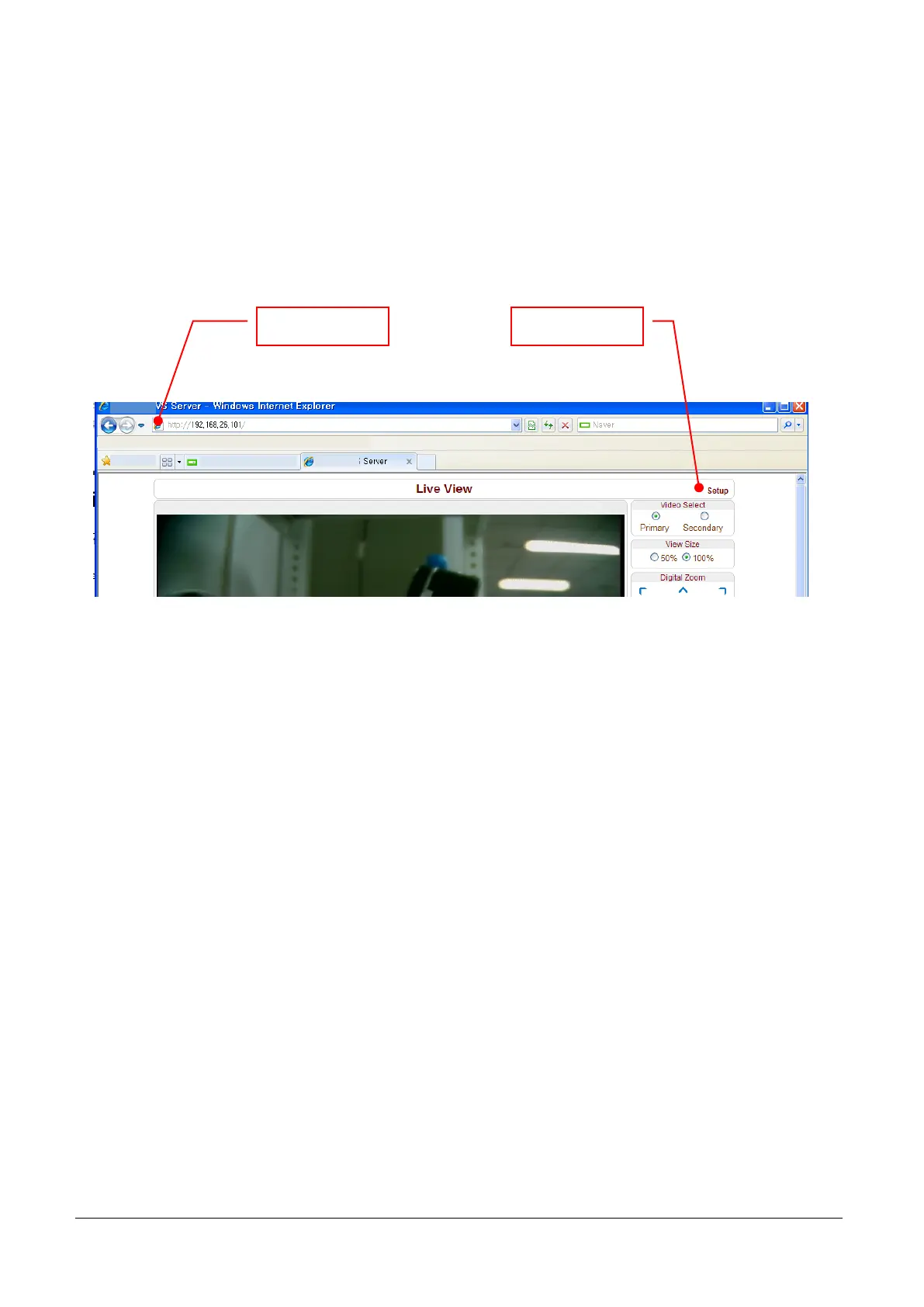
Remote setting is available by using web browser. Enter IP address of camera and then a live view
screen appears as below. Press Setup button located in the upper right area of the monitoring screen to
go to the server setup. For Remote Setting, user should be authorized higher than manager level.
The remote configuration window may be slightly different depends on the system modes (Encoder, Decoder).
The general explanation of the configuration in this manual is based on Encoder system and differences
according to the modes will be clarified when needed.
The configurations are grouped into 10 categories: System, Video, Audio, Network, Serial, Event, PTZ,
Record, User and Camera. Any configuration changes are not applied until Apply button is pressed. Leaving
the page without pressing Apply button, any changes in the page will be discarded.
Enter IP address Press Setup button



 To Next Page