MCC201/MCC201H User manual
4. Remote Configuration • 49
User Configuration
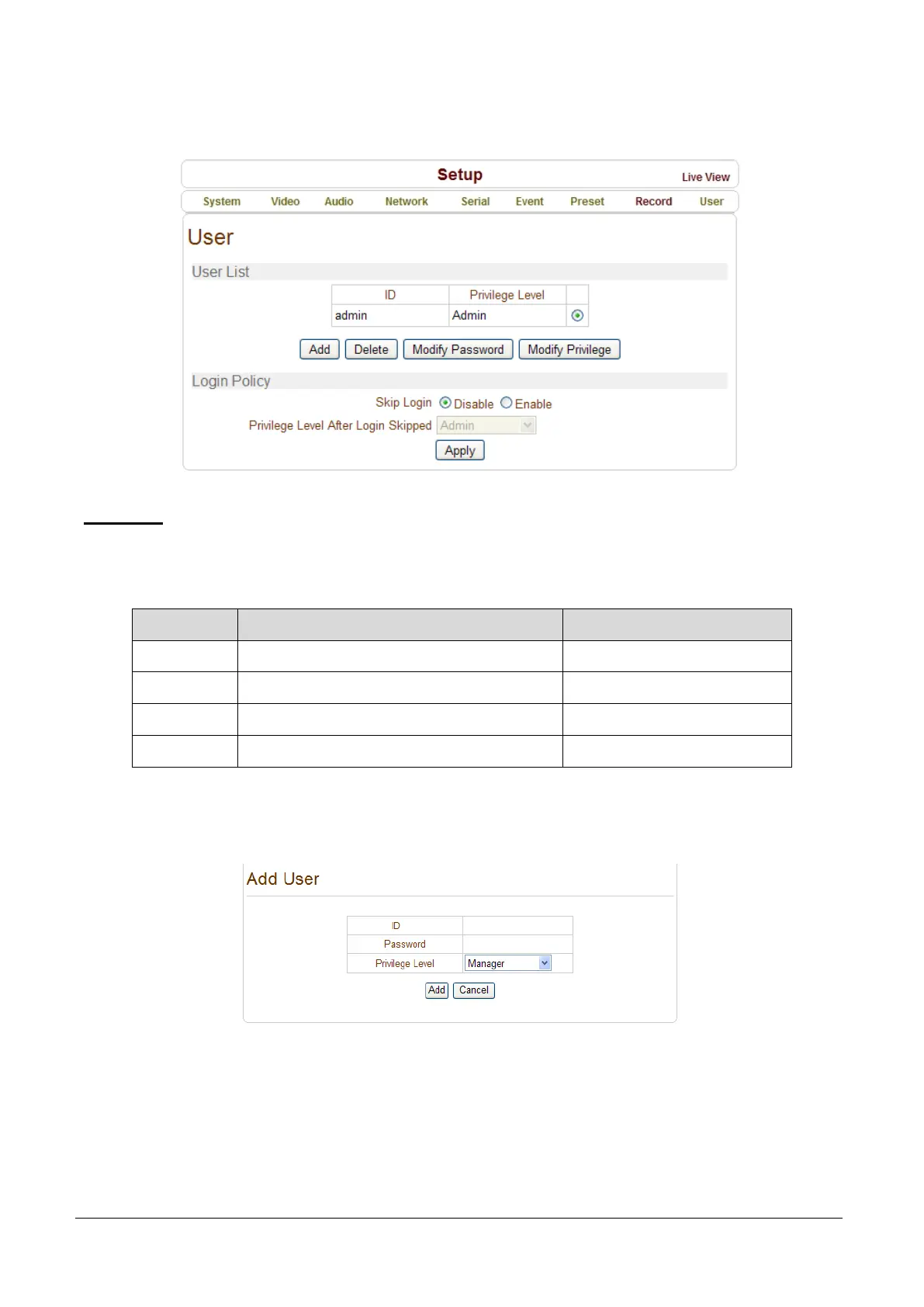
User List
User can be registered and privilege level of a user can be specified. User configuration is allowed only
to admin user. Max 16 users can be registered and each user can have one of four privileges.
Privilege Allowed Operations Remarks
Admin All operations User ID = admin
Manager All operations except for user configuration
User Live viewing and PTZ control
Guest Live viewing only
Add User
Press Add button. The following window will appear.
Enter User ID and password (Up to 15 characters) and select Privilege Level.



 To Next Page