50 • 4. Remote Configuration
MCC201/MCC201H User manual
Delete User
Select the User to be deleted and press Delete button.
Change Password
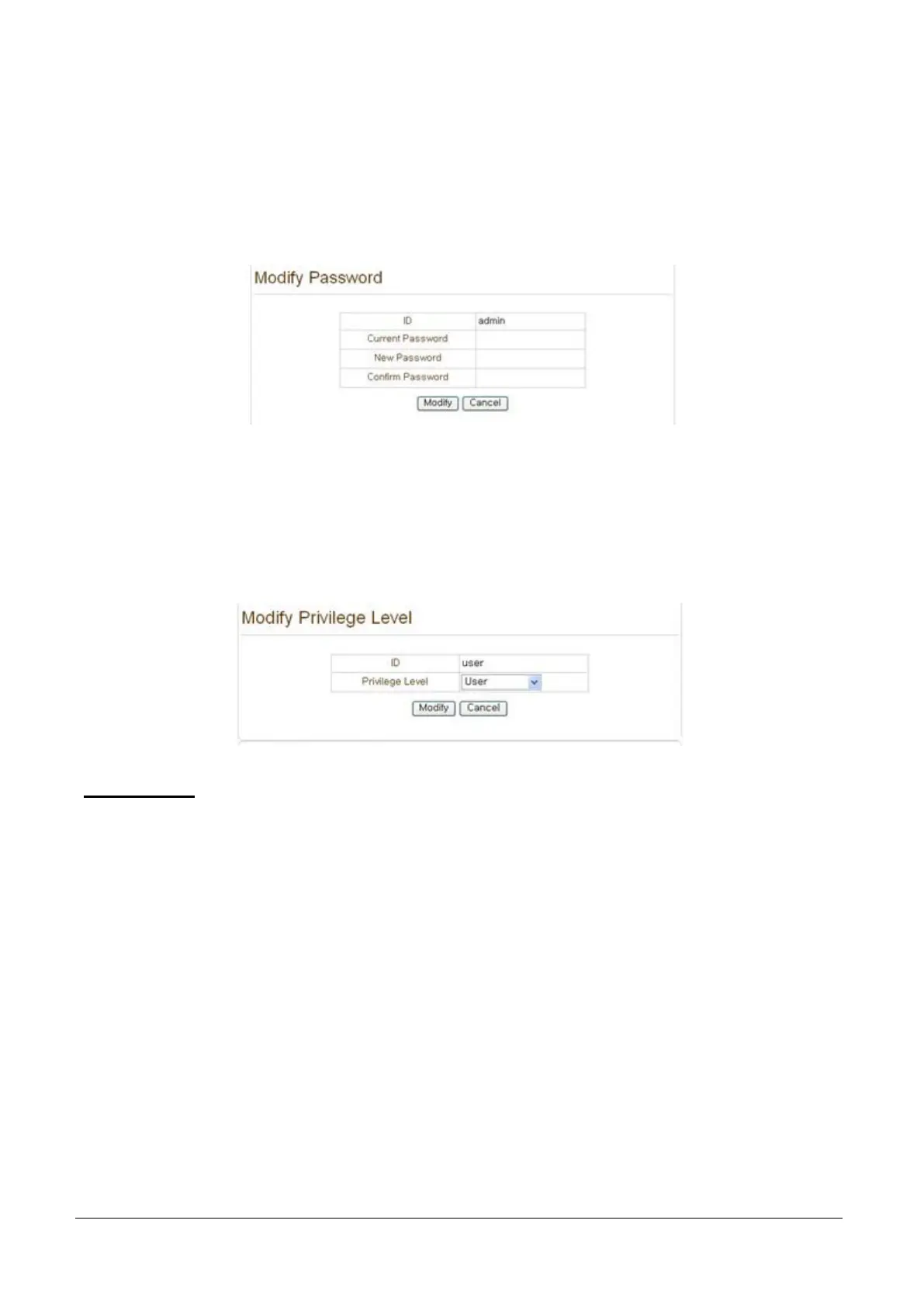
Press Modify Password button. The following window will appear.
Enter the current password and then set a new password.
Modify Privilege Level
Press Modify Privilege button to change User level. It is not allowed to change the privilege level of
admin user.
Login Policy
Authentication Type
HTTP authentication based on RFC 2617 (HTTP Authentication: Basic and Digest Access Authentication)
is supported.
Skip Login provides for convenient access to the server when authentication is not required. When Skip
Login is set to Enable, login step is skipped. The privilege level after login in this way is determined by
the setting of Privilege Level after Login Skipped.



 To Next Page