56 • 5. Decoder Configuration
MCC201/MCC201H User manual
On Motion
Configure the actions when motion is detected. Multiple actions can be set for a single event.
On Disconnect
Configure the actions when the link (connection) with peer system is disconnected. Multiple actions can
be set for a single event.
Alarm and Beep activation duration
Set the duration of alarm or beep activation in case of an event. If it is set to continuous, it will be in active
state until an operator reset it manually.
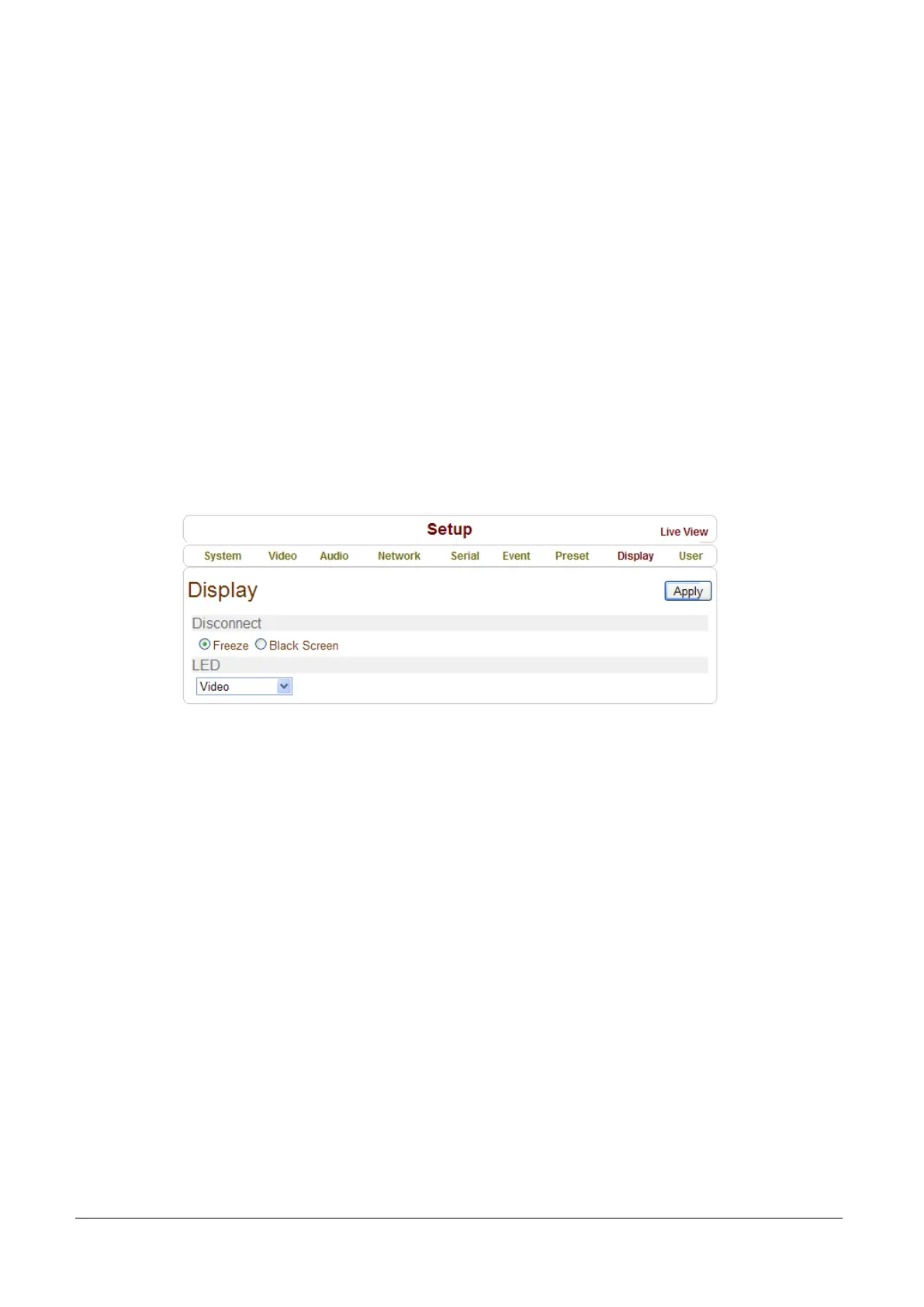
Display Configuration
Disconnection
Decoder system’s output mode on disconnected state can be configured.
- Freeze: Video image of the last frame is shown when there is disconnection.
- Black Screen: Black Screen is shown when there is disconnection.
LED
Select from Video, Audio and Serial to be indicated by Data LED. When there is the selected data
(Video or Audio or Serial) communication between the encoder and the decoder, Data LED will indicate
the status.



 To Next Page