36 • 4. Remote Configuration
MCC201/MCC201H User manual
Sensor Schedule
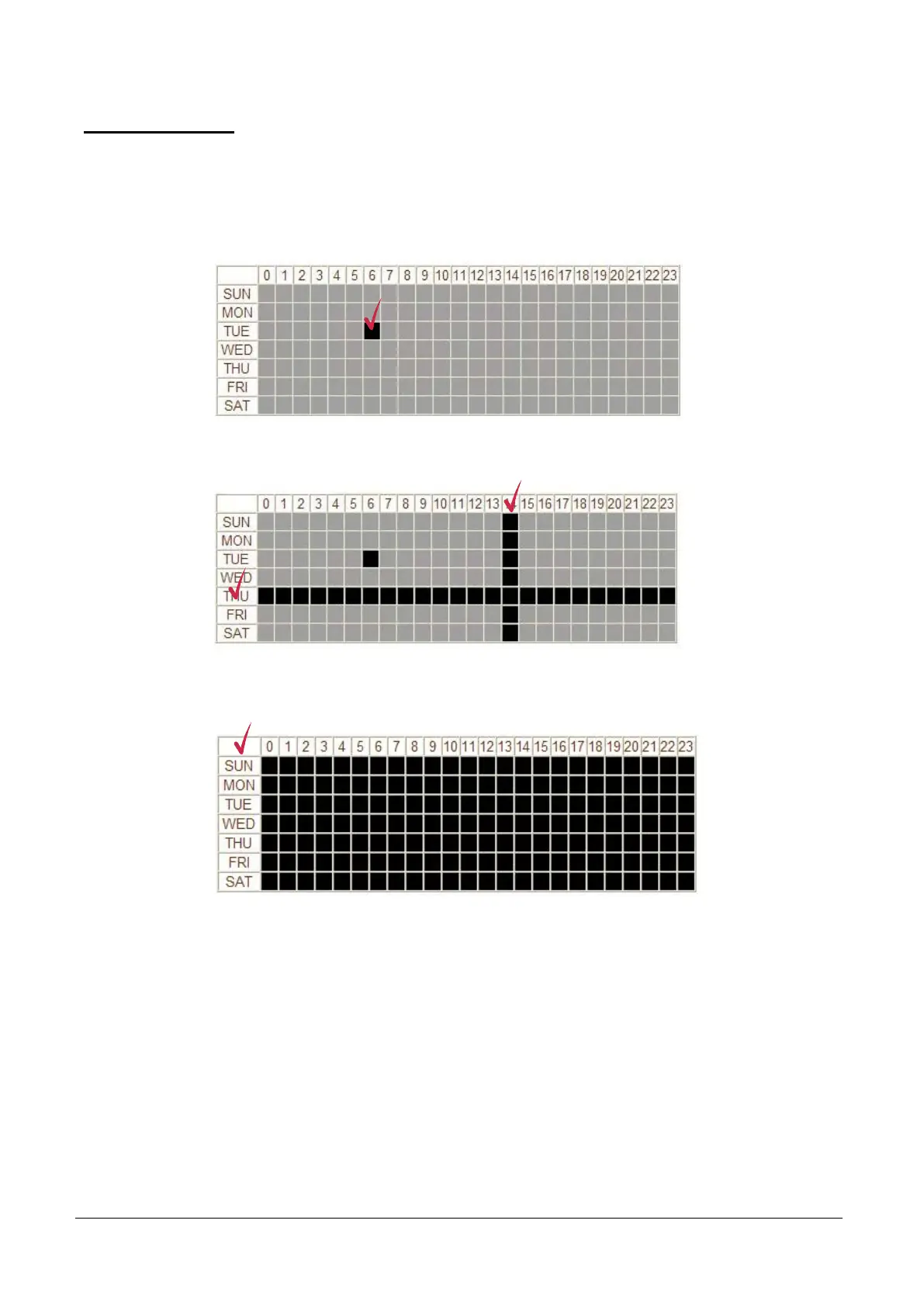
Choose Sensor OFF or Sensor ON and click the below schedule cells to make Sensor Schedule
according to day of week and hour.
- Click desired “Cell” to set schedule.
- Click desired “Time Line or Date Line” to set schedule.
- To set cells in the schedule, click below “Empty Cell”.



 To Next Page