MCC201/MCC201H User manual
4. Remote Configuration • 47
Playback
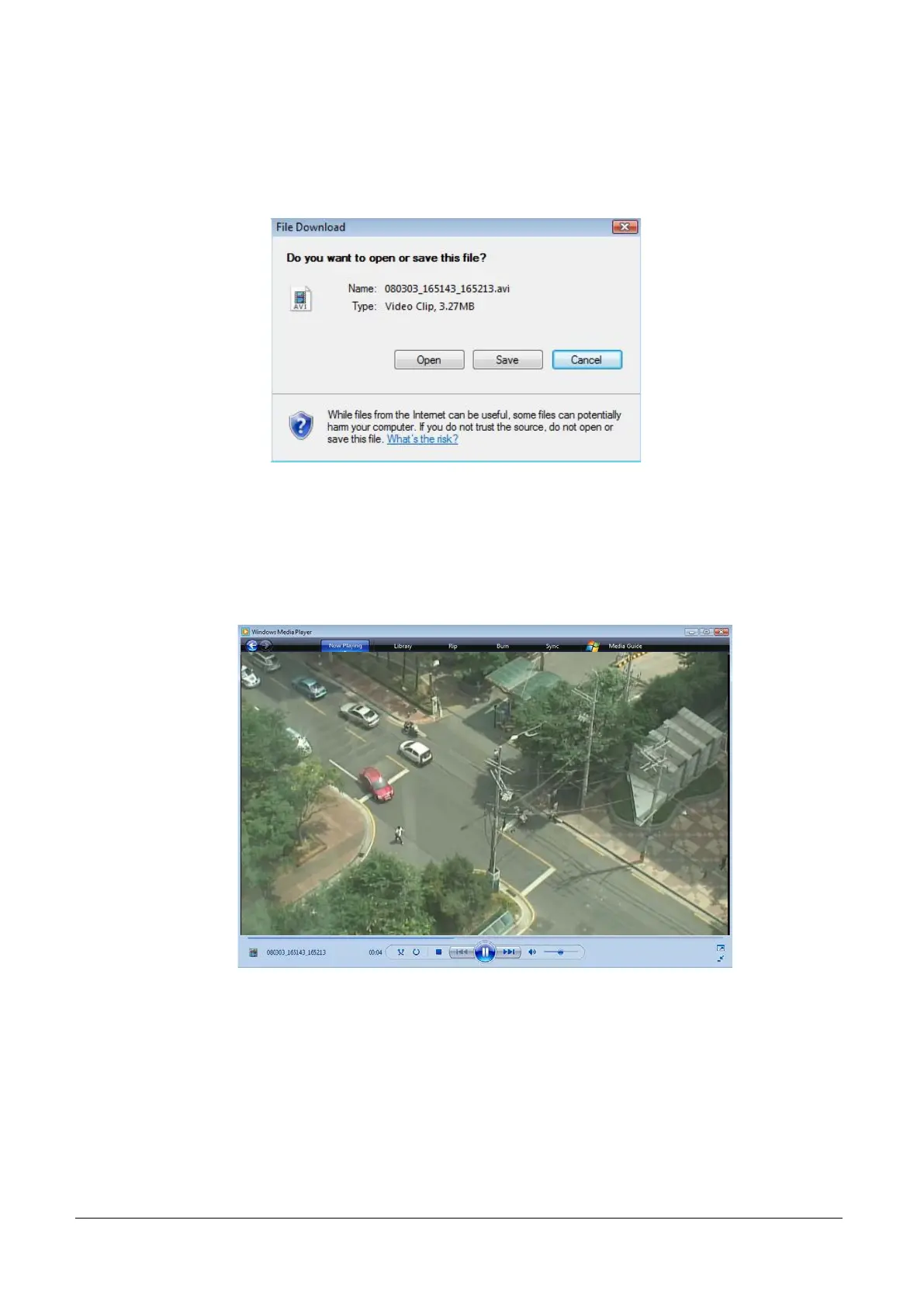
1. Selecting an AVI file will show a dialog for opening or saving the file
.
2. Pressing Save button, the file will be stored in the PC. The AVI file can be played with Windows
Media Player.
3. If you press Open in the dialog, the file will be downloaded and played automatically with Media Player.
4. Another connection through web is disabled during downloading and it is also not allowed to download
two AVI files at the same time.



 To Next Page