2.3 ARMING and DISARMING by Telephone
The AVA can be controlled from a mobile or ordinary telephone, capable of reproducing
DTMF tones.
To establish a connection dial the telephone number of the System. After connection is
established, a specic sound (a continuous sound signal), produced by the System, will
be heard from the receiver.
Single press “*”. Enter a valid user code, followed by two random digits. To the code
which is being used must be assigned to Remote Control rights - “Remote Access”.
A conrmation signal will be heard from the receiver when the code has been entered
correctly. On the telephone keypad enter the symbols “*9”. This will switch the System
over to remote control mode of security.
Enter the number of the desired function for arming or disarming:
- from 001 to 006 For Arming function;
- from 101 to 106 For Disarming function.
To terminate the connection with the system press “99”.
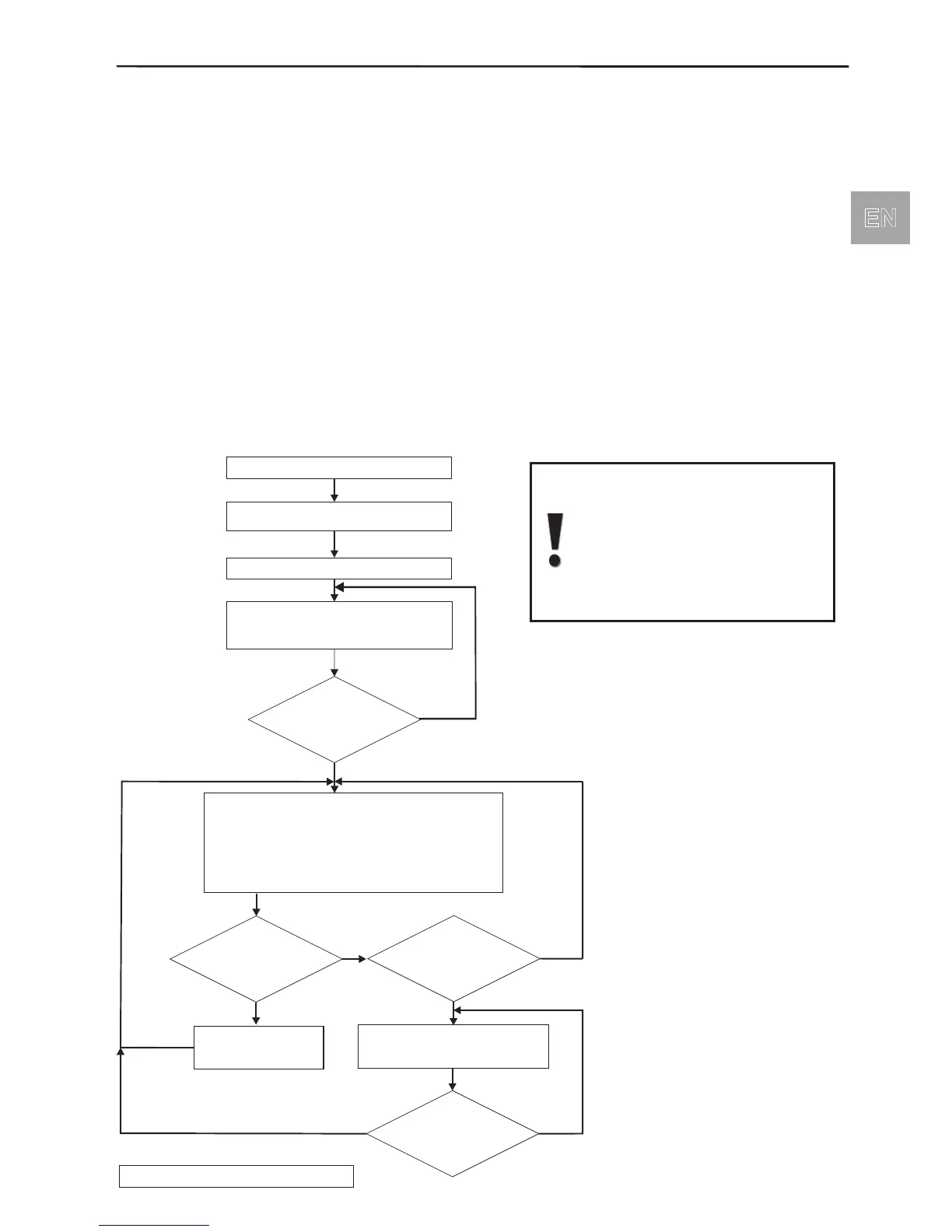
Algorithm for working with the communicator
Dial the telephone number
Wait for continuous signal
from AVA system
Press once button “”*
Enter digit access code
digit valid user code
random digits
--
4- +
2
6
Received
acknowledge
signal?
No
Yes
ARM functions to
ISARM functions to
001 006
D 101 106
Button Listening to the AVA’s premises
Button Talking to the AVA’s premises
Button Listening and talking to the AVA’s premises
Button Amplified listening to the AVA’s premises
*9-Remote Arming/Disarming mode
Termination of the connection
1-
2-
3-
99 -
0-
Pressed buttons
or0, 1, 23?
Pressed buttons
and*9?
Pressing 99 terminates the connection.
No
Yes
Switches on respective
acoustic function
Pressed buttons
and*0?
No
Yes
No
Yes



 To Next Page