AVA Wireless Security System - User’s Manual 9
2.2 Operation with the Keyboard
The general view and the elements of the control panel keyboard are described in
details in §1.2, page 5.
2.2.1 System Arming by the Keyboard
To Arm the system you must rst enter a valid user code (by default the manager’s code
is 0000). All system groups have to be in an inactive state, i.e. there should be no system
events as open group(s), alarm, lost module, etc. Readiness for arming is indicated by
the “-” symbol below the respective system group.
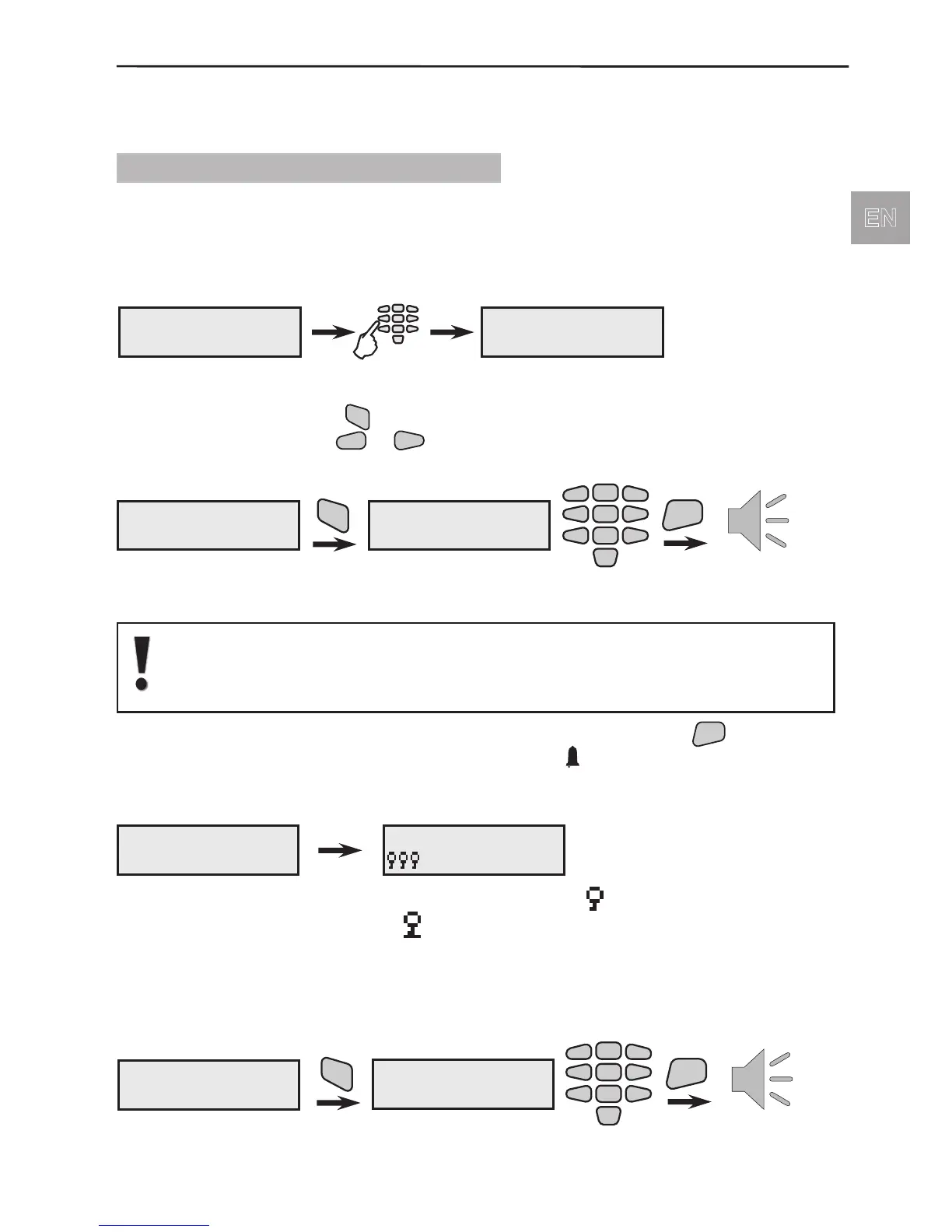
To enter the User Menu:
If the user code is correctly introduced a conrmation signal would be heard from the
keyboard. Singe press the
button and enter a number of an ARMING function from
1 to 6 with the help of the
buttons.
To ARM the system enter in sequence:
By default the ARM Function N1 is programmed to Arm Groups 1,2 and 3
and the ARM Function N2 - Groups 1,2,3,4,5 and 6.
By default the ARM Functions from N3 to N6 are not programmed.
After entering a number of an ARM Function and conrming with the
button starts
running an exit time for leaving the premises. Symbol
blinks at the control panel. By
default the programmed exit time is 20 seconds.
During the exit time running the LCD displays:
The armed groups in the system are displayed with the
symbol, and those with by-
passed detectors or devices - with
symbol.
Fast System ARMING
Fast system arming is possible if to user code 16 are given all rights. The system arming
is done without entering of a valid user code.
For fast system ARMING enter in succession:
123456 Mon.04/09
------ 10:51
code
User Menu
ARMing
User Menu
ARMing
ARM
ARMing
ARM Fn N:
Number of ARMing
Function
2
5
8
0
1
3
4
6
79
ENT
Exit time
ARMing
Armed,Leave area
123456 Mon.04/09
--- 10:51
123456 Mon.04/09
------ 10:51
ARM
ARMing
ARM Fn N:
ENT
2
5
8
0
1
3
4
6
79
Number of ARMing
Function
Exit time



 To Next Page