AVA Wireless Security System - User’s Manual 13
2)Open Groups
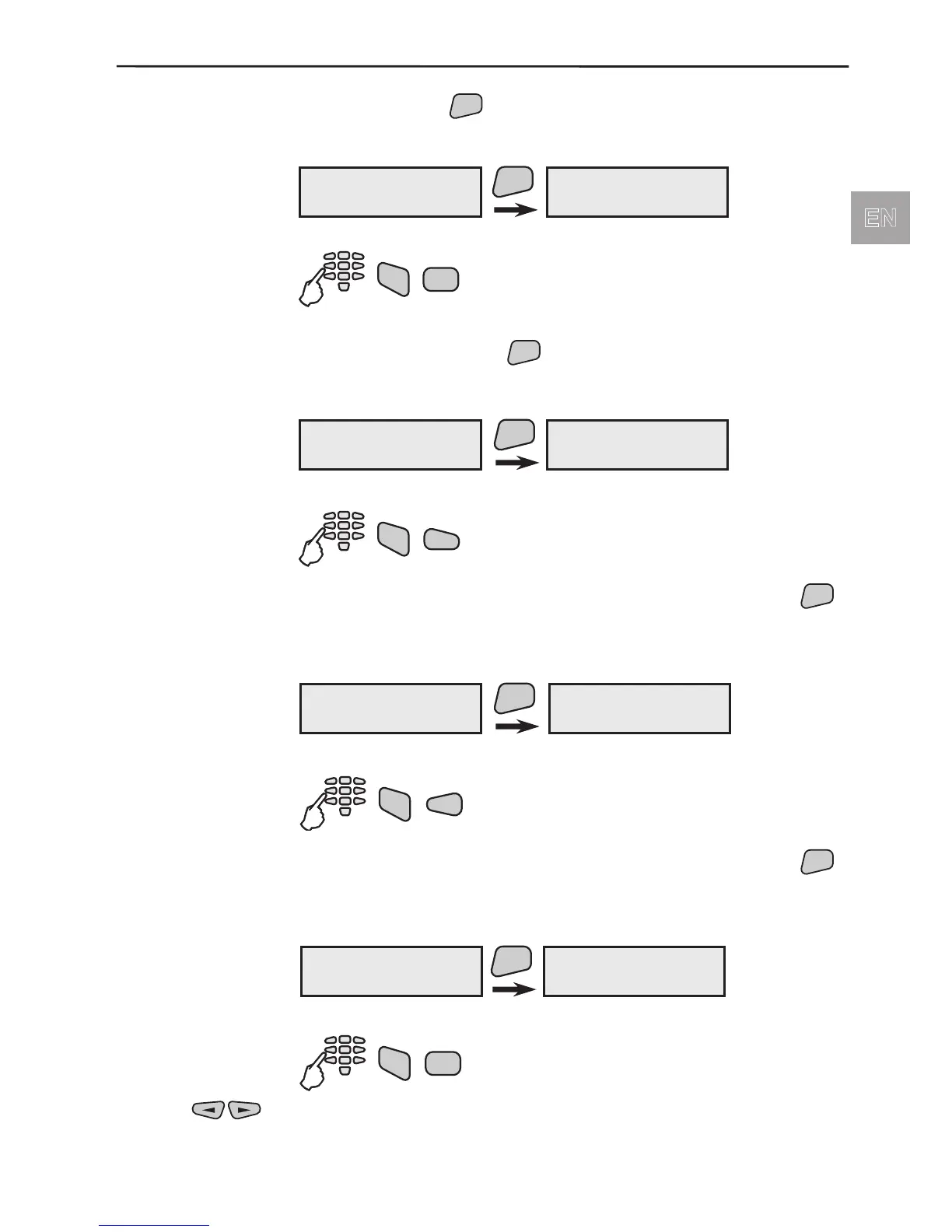
Menu for review of system groups which are not ready to be armed.
After pressing the
button, on the display would be automati-
cally shown the groups which are not ready to be armed.
Example of open groups:
Quick access to the open groups:
Menu for review of system devices which are not ready to be
armed. After pressing the
button, on the display would be au-
tomatically shown the devices which are not ready to be armed.
Example of open detectors:
Quick access to the open detectors:
Menu for review of system group state. After pressing the
button, on the display would be automatically shown all system
groups and their status.
Example of groups status review:
Quick access to the groups status:
Menu for review of system modules state. After pressing the
button, on the display would be automatically shown all system
modules and their status.
Example of modules status review:
Quick access to the modules status:
Use the buttons to switch over from automatic to manual review mode.
TRBL (troubles)
2)Open Groups
ENT
G:01 -+- Ent/Ext
Group 01 name
3)Open Devices
4)Group state
5)Device State
TRBL (troubles)
3)Open Devices
ENT
01PIR -L-#012345
PIR01
TRBL (troubles)
4)Group state
ENT
G:01 +L- Ent/Ext
Group 01 name
TRBL (troubles)
5)Device State
ENT
01PIR -L-#012345
PIR01



 To Next Page