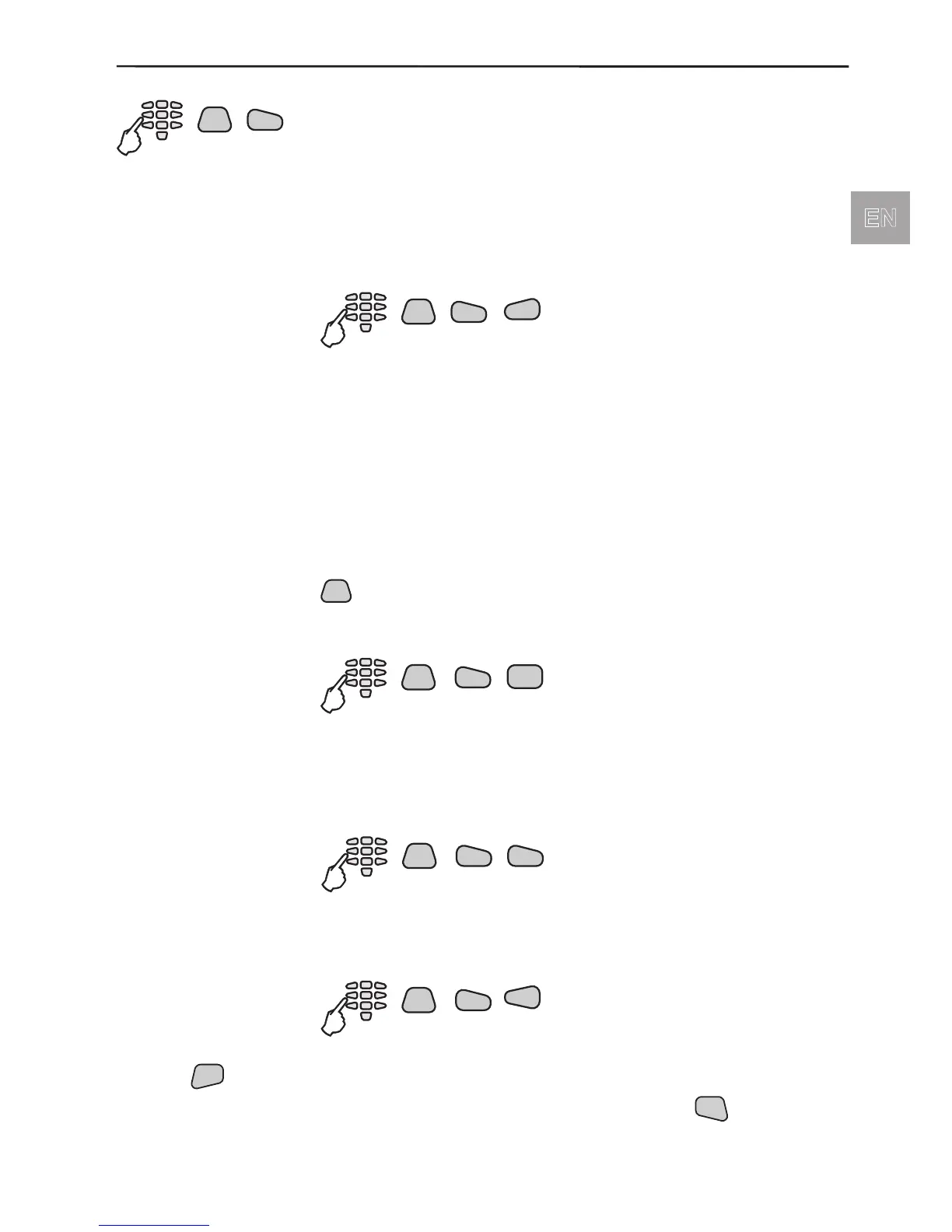
Quick access to the system settings:
The menu 3)System allows setting of different system parameters.
Menu for setting the time and date. Enter consecutively:
Year, Month / Day , Hour / Minutes.
Quick access to time and date setting menu:
Programme what is to be displayed on the main system screen.
The “Chime on entry” is an option that activates several
short “beep” signals from the keyboard when an entry-exit zone
device is activated. The “display Groups” option shows all
groups on the main system screen and the system trouble in
them.
Both options are preprogrammed in the system by default.
All active parameters in the system are marked with the “*”
symbol and the inactive - with the “-” symbol. Press the
button of the keypad to change the parameter status
of the respective submenu.
Quick access to the display setting menu:
The menu allows to adjust the backlight on the display. The
recommended value of 05 has been set by default. The maxi-
mum possible value is 15.
Quick access to the backlight setting menu:
Menu for changing the language of system menus. By default
all menus are in English.
Quick access to the language setting menu:
Use the
button to conrm all entered data.
To reject the entered data and to step back in the menu structure use



 To Next Page