25
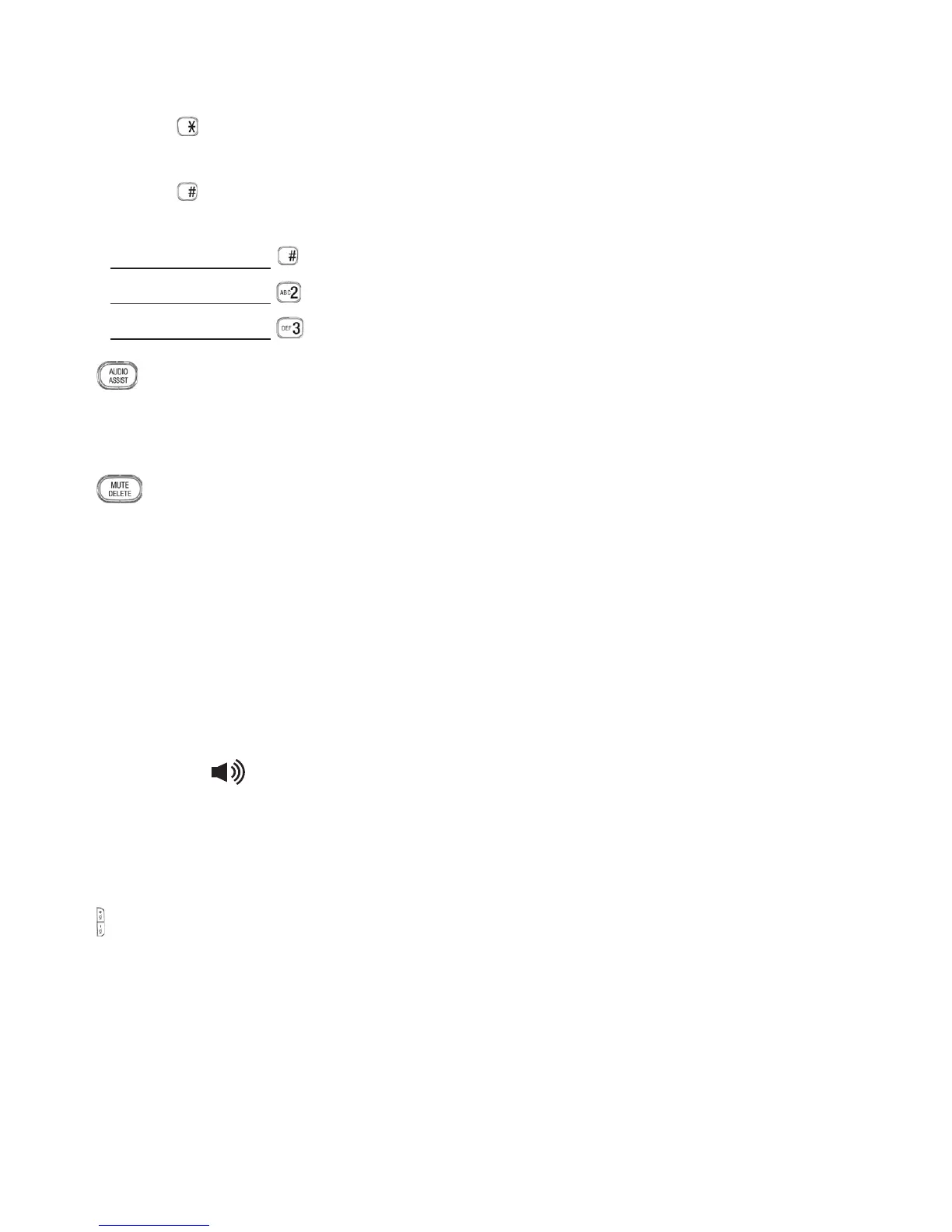
Press to switch between upper case and lower case while entering
characters.
Press repeatedly to display other dialing options when reviewing a call
list entry.
Press and hold to set and turn on the quiet mode, or turn it off.
Press and hold during a call to answer call waiting.
Press and hold to start a 3-Way-Chat.
AUDIO ASSIST
Press to enhance the clarity and loudness of the caller’s voice during a
call.
MUTE/DELETE
Press to mute the microphone during a call.
Press to silence the handset ringer temporarily while the phone is
ringing.
Press to delete an individual entry while reviewing the redial list/
phonebook/call list/reminder.
Press to delete a character or digit while entering names or numbers.
Press to delete the playing message/announcement/reminder.
SPEAKER/
Press to make or answer a call using the speakerphone.
Press to switch between the handset speakerphone and the handset
earpiece during a call.
VOL+/VOL-
Press to adjust the listening volume during a call or message playback.
Press to adjust the handset ringer volume while idle.
•
•
•
•
•
10.
•
11.
•
•
•
•
•
12.
•
•
13.
•
•



 To Next Page