30
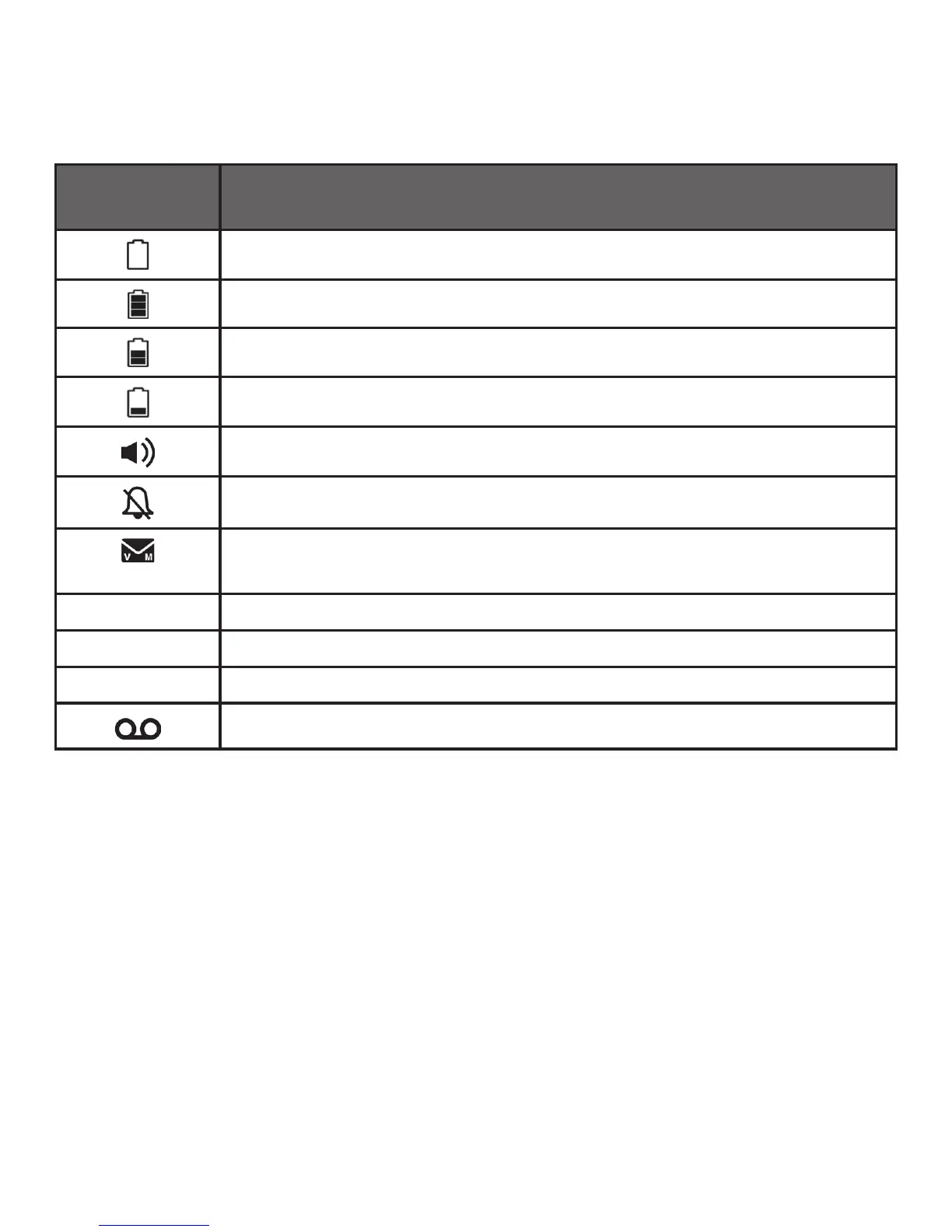
HANDSET DISPLAY
Display icons Description: Icons can be on (visible), or Flashing or Off (not
visible)
Battery is low; place handset in charger to recharge.
Full battery power level.
2/3 battery power level.
1/3 battery power level.
The handset speakerphone is in use.
On steadily if the handset ringers are turned off.
New voicemail received from your telephone service
provider.
MUTE Microphone is muted.
NEW New call list- Missed and new calls.
ANS ON The answering machine is turned on.
New message in the answering machine.



 To Next Page