7
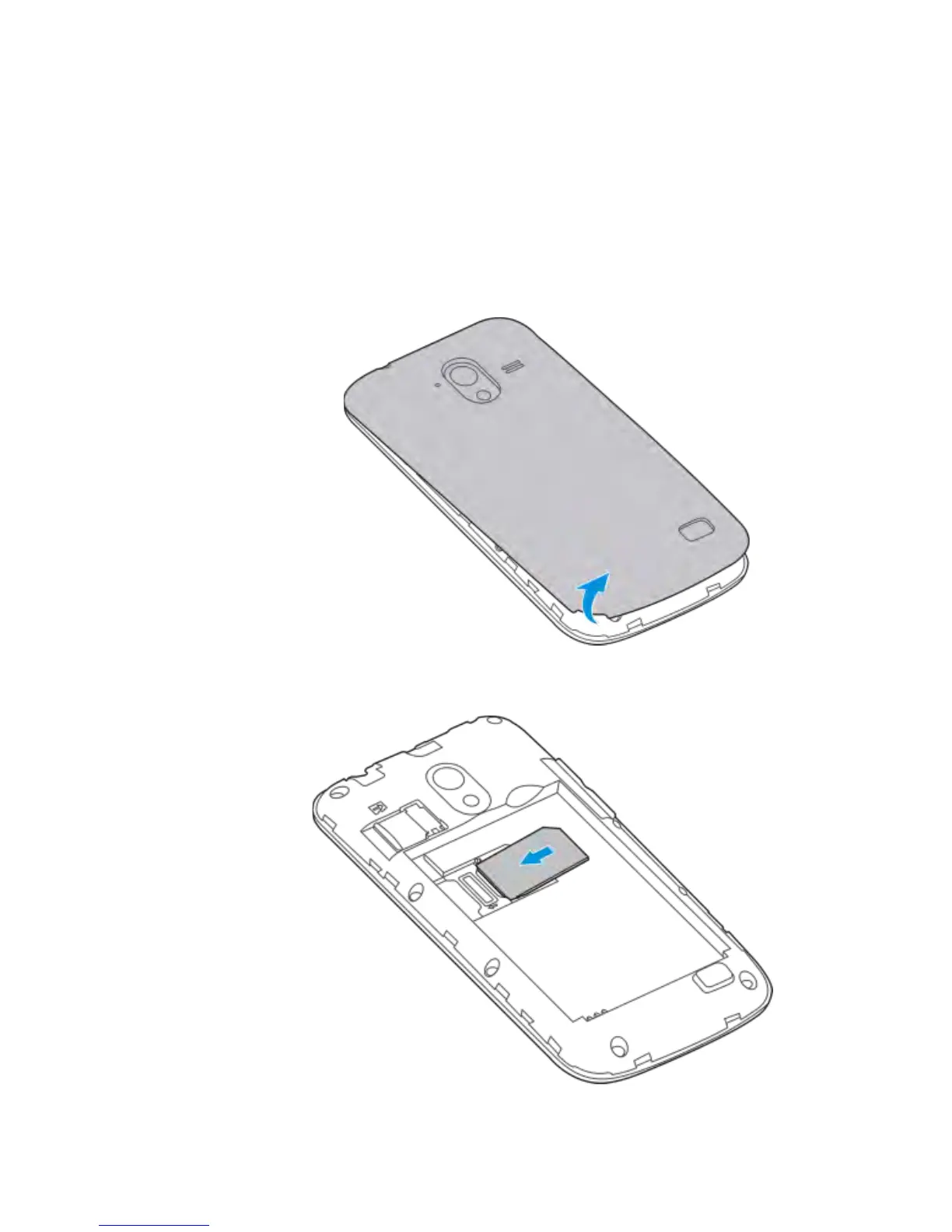
Installing the SIM Card, microSD Card*,
and battery
Switch off your phone before installing or replacing the battery, SIM
card or microSD card* (optional accessory)
1. Remove the back cover
2. Hold the SIM card with the cut corner oriented as shown and
slide it into the card holder.



 To Next Page