16
AC VOLTAGE
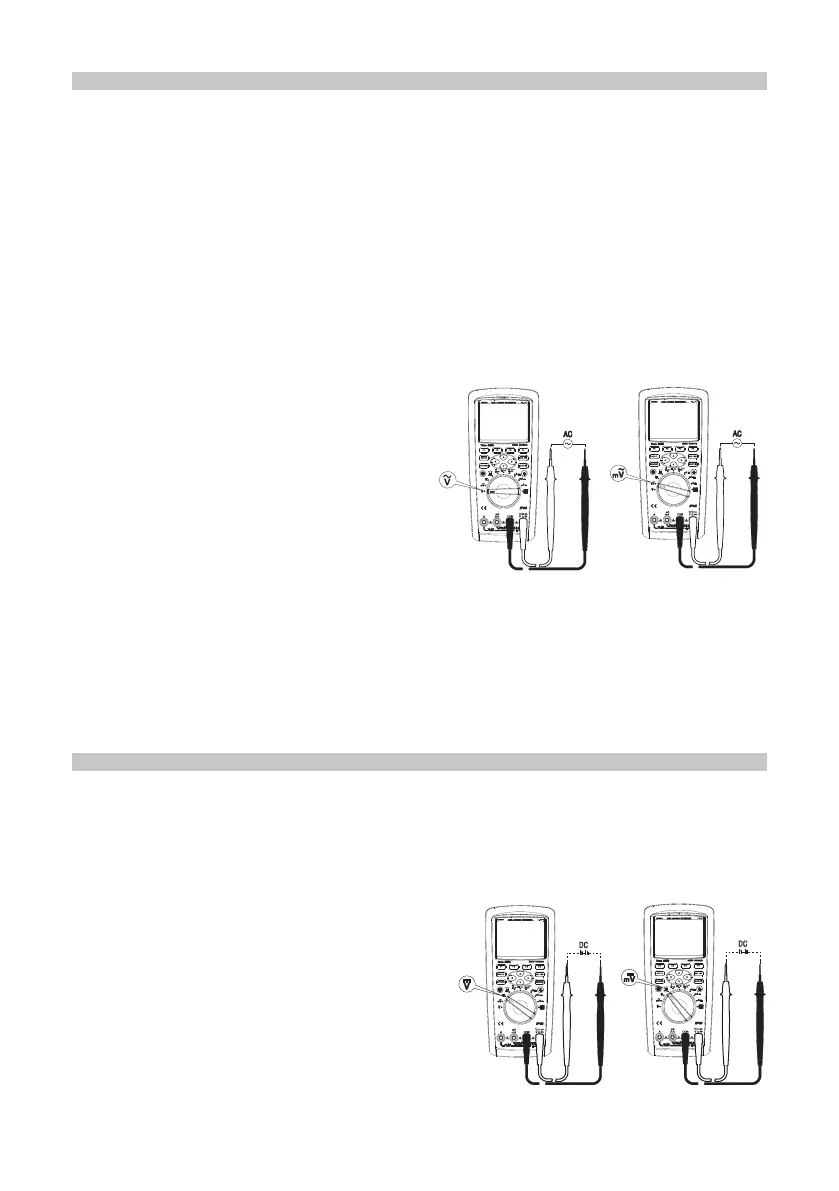
• Insert the red test lead into the V terminal and the black test lead into the COM
terminal.
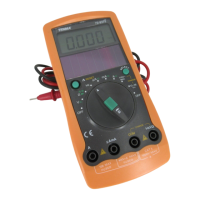
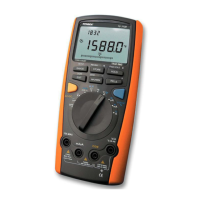
• Set the rotary switch to Ṽ or mṼ as shown in the image below.
• Read the measured voltage values on the display. True virtual values are
displayed for AC measurement.
• Press the function button MENU to access the sub-menus in which basic AC
voltage measurements can be modied.
• Press the directional buttons to choose between the sub-menu options.
• Each sub-menu, when highlighted, will present additional options for measurement
display.
• The red cursor button indicates the selected item.
Warnings
• Do not input a voltage higher than 1000V.
Higher voltage may be measured but it
risks damaging the meter.
• When measuring high voltage, extra
care should be taken to avoid an electric
shock.
• After completing all the measuring
operations, disconnect the connection
between the test leads and the circuit
under test.
• The response mode of AC coupled true RMS is adopted for the conversion of AC
with sinusoidal input calibration. The accuracy of non-sinusoidal wave must be
adjusted based on the following:
- For crest of 1.4~2.0, the accuracy should be adjusted by 1.0%.
- For crest of 2.0~2.5, the accuracy should be adjusted by 2.5%.
- For crest of 2.5~3.0, the accuracy should be adjusted by 4.0%.
DC VOLTAGE
• Insert the red test lead into the V terminal and the black test lead into the COM
terminal.
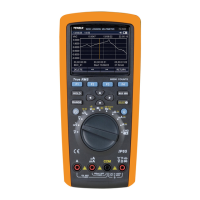
• Set the rotary switch to DC V or DC mV as shown below. Connect the test leads to
the power or load under test in parallel.
• Directly read the measured voltage values on the display.
• Press the function button MENU to enter
one menu item in which basic DC voltage
measurement can be modied.
• Press the directional buttons to choose
between the sub-menu options.
• Each sub-menu, when highlighted, will
present additional options for measurement
display.
• The red cursor button indicates the
selected item.


 To Next Page