Page 33/62
Rev. A
2017-12-04
SCANTER 1002 Radar System
User’s Manual
1255194-HO
The “Errors/Warnings” and “Status/Measurements” views are used to monitor the
health of the transceiver.See Fig. 5.7 (p. 33).
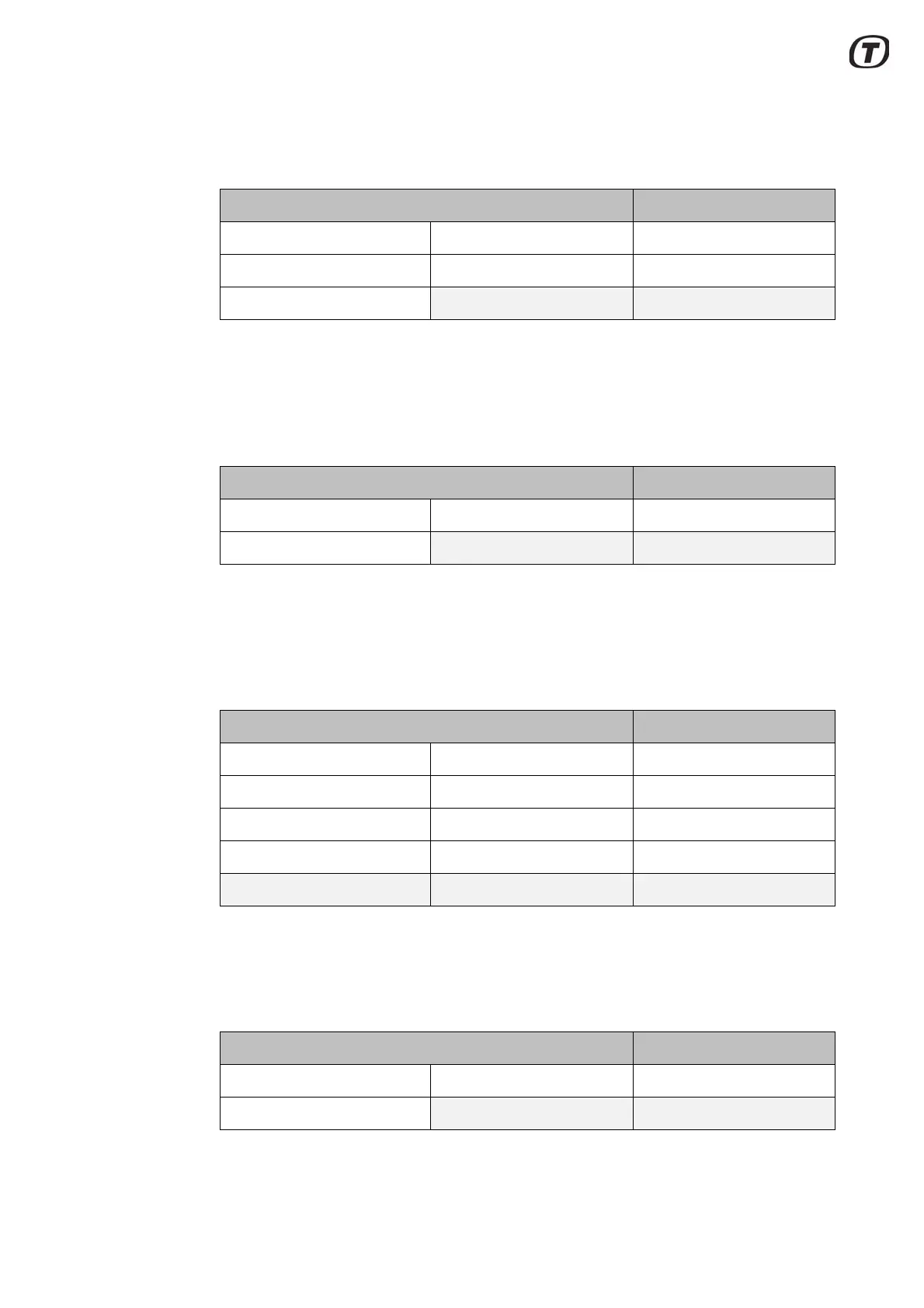
Fig. 5.7 “Low Level” perspective, default
The “Service” perspective is used for transceiver backup/restore and software
update. Further, it provides access to the documents/user guides stored in the
transceiver. See Fig. 5.8 (p. 33).
Fig. 5.8 “Service” perspective, default
The “Situation” perspective is used by the operator to start the radar and transmis-
sion, to select profile and to monitor the radar video. Measurement tools are includ-
ed in this perspective. See Fig. 5.9 (p. 33).
Fig. 5.9 “Situation” perspective, default
The “Zone Edit” perspective provides views for creating and editing zones and
zone parameters. See Fig. 5.10 (p. 33).
Fig. 5.10 “Zone Edit” perspective - default
Low Level
Parameters Profile Editor Profile Names
Debug Errors/Warnings Status/Measurements
Recent Errors/Warnings
Service
Backup/Restore Software Update DocLib
Console
Situation
PPI Parameters Debug
Video Setup Area Masking Radar Control
VRM-Scope Histogram A-Scope
Zones Markers Vectors
Zone Edit
Zones Legacy NAAZ Zones Legacy NTZ Zones
Parameters



 To Next Page