B-4 | Cyber Hardened IBUC 2, IBUC 2e, IBUC 2G, IBUC R, IBUC G Operations Manual: Embedded Web Pages
Screen Shots
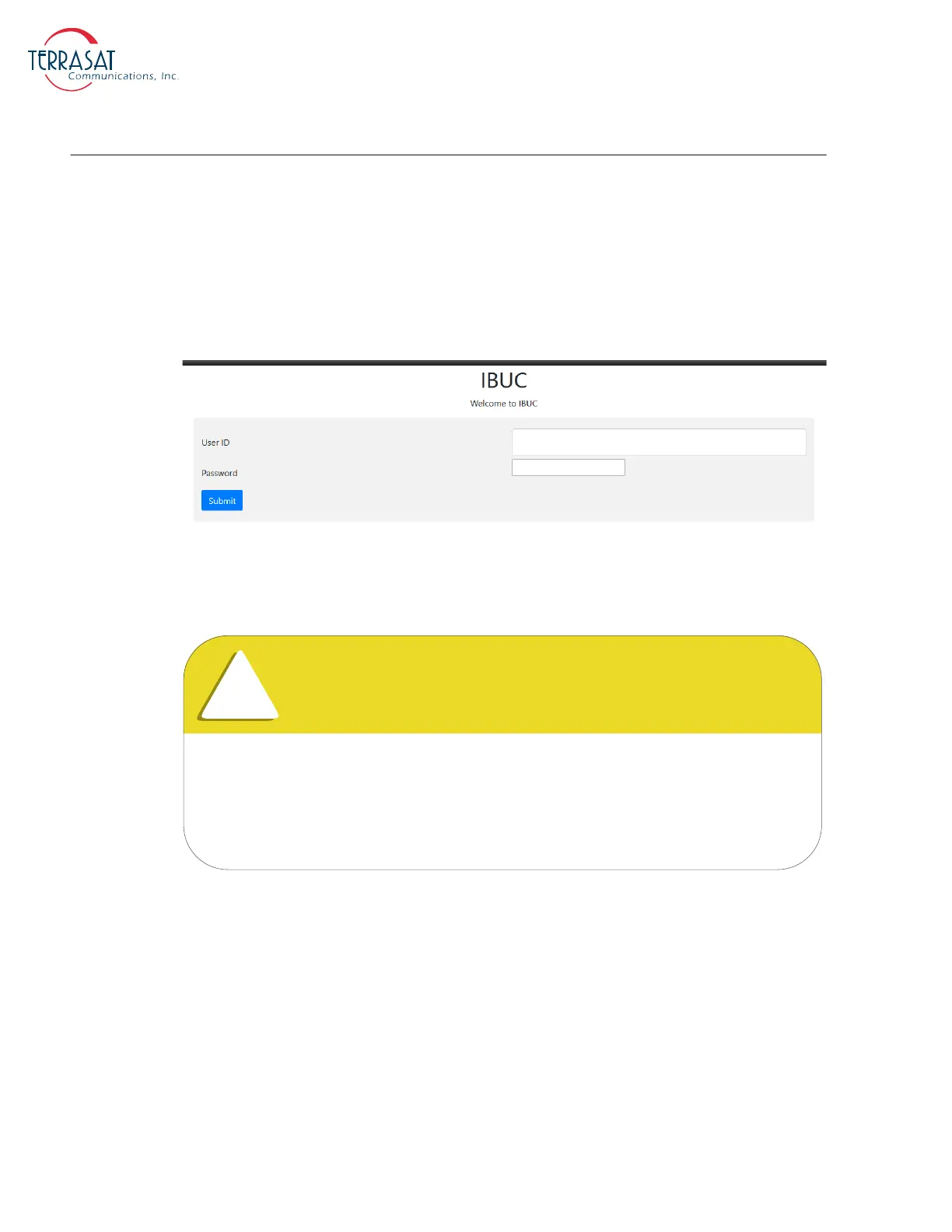
Log In
This page appears to prompt you to log in to the Cyber Hardened IBUC 2, IBUC 2e,
IBUC 2G, IBUC R or IBUC G. Type your password in the dialog box, and then click
Login. The default username/password is
admin/admin
. If the login password that you
entered is accepted, the Information Tab will appear, else a message to re-enter the
username and password will appear.
Figure B.4
Login Tab
For full usage of the Security features, the system administrator is highly
advised to create a new user and delete the default user provided by Terrasat.
Only RS232 and SSHv2 interfaces provide user creation/deletion access. For
more information see RS232 on page 5-1 or SSHv2 on page 5-4.



 To Next Page