EasyManua.ls Logo

Tesmec DLR300 - FIRMWARE UPDATE; INSTALLATION GUIDE OF THE BOOTLOADER DLR300; MINIMUM SYSTEM REQUIREMENTS; INSTALLING THE USB DRIVERS

Tesmec DLR300
52 pages
Print Icon
To Next Page IconTo Next Page
To Previous Page IconTo Previous Page
Loading...
6.1
6.1.
6.1.
2
Foll
o
INSTA
L
For Wi
n
ATTENT
I
1 MINIM
U
Pentium
P
Display r
e
CD-ROM
;
64 Mb R
A
10 Mb av
a
One USB
2
INSTAL
o
w the instr
u
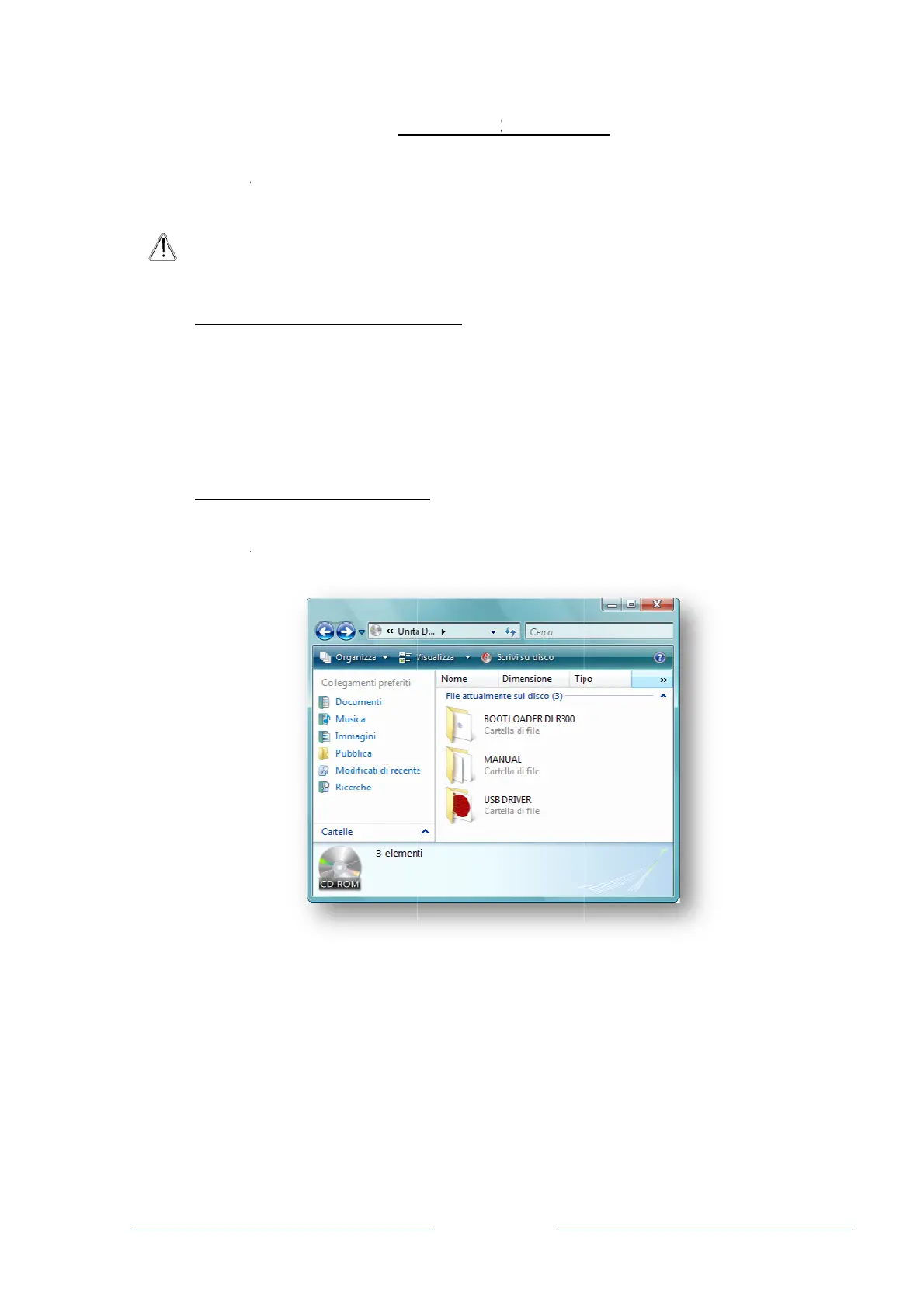
1. Insert t
h
2.
A
ccess
t
L
LATION G
U
n
dows XP,
W
I
ON: DO N
O
FIR
S
U
M SYSTEM
P
rocessor;
e
solution at l
e
;
A
M;
a
ilable hard
d
1.1 or 2.0 p
o
LING THE
U
u
ctions belo
w
h
e “Bootload
e
t
he CD-RO
M
6. FI
U
IDE OF TH
E
W
indows 20
0
O
T connect
t
S
T install th
e
REQUIRE
M
e
ast 800x60
0
d
isk space;
o
rt available
U
SB DRIVE
R
w
to install th
e
r DLR300”
C
M
from My C
o
Pag
e
RMWA
R
E
BOOTLO
A
0
0, Windo
w
t
he DLR300
e
USB drive
M
ENTS
0
pixels;
R
S
e USB drive
r
C
D in the C
D
o
mputer (co
m
e
33
R
E UPDA
T
A
DER DLR3
0
s Server 20
to the PC!
rs then inst
r
s.
D
-ROM;
m
puter man
a
T
E
0
0
03 and Win
d
all the boot
l
a
gement sof
t
d
ows 7
loader.
t
ware);

Related product manuals