Page 39
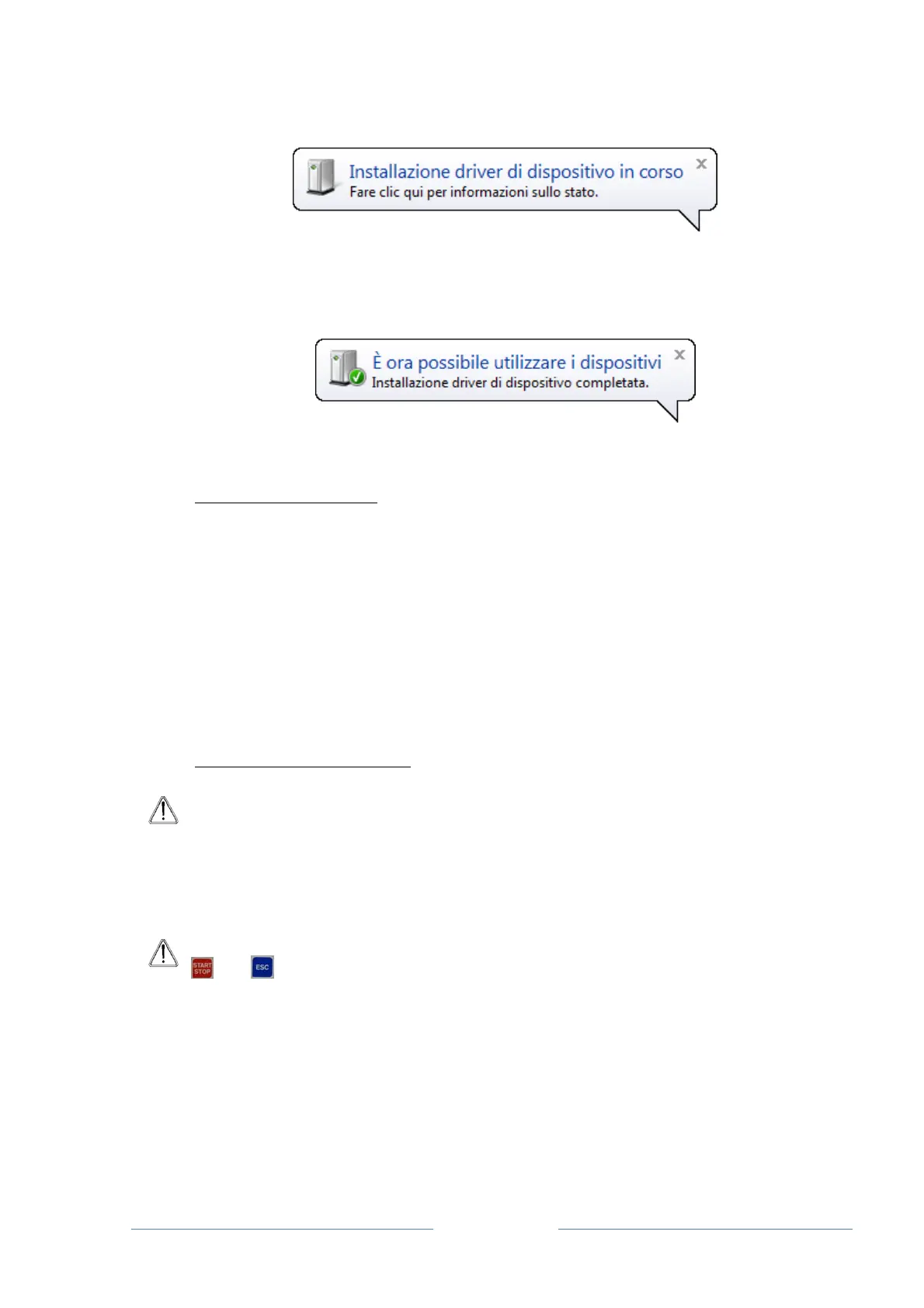
12. The PC recognises the device.
Wait for the drivers to be completely installed, until a message appears informing the user
that the device is ready to be used;
6.2 BOOTLOADER DLR300 USER GUIDE
6.2.1 SOFTWARE FUNCTIONS
The Bootloader DLR300 software must be used for the following purposes:
□ DLR300 firmware update
□ Download a new language.
The firmware update must be used to download new firmware to the DLR300 memory, to correct
software problems or add new functions. This can be done by the end user, without sending the
DLR300 to the manufacturer.
The option of adding a new language must be used to download new messages to the DLR300
memory. Normally, the DLR300 allows the user to select a language from ITALIAN, ENGLISH
and SPANISH. There is enough space for a fourth language, which can be set via the Bootloader.
6.2.2 RUNNING THE PROGRAMME
ATTENTION: Before running the software, connect the DLR300 to a USB port of the
PC.
Use the type-B USB connector found on the rear panel of the device for the
connection. The type-A USB connector found on the upper panel is only to be used
to connect a USB flash device.
1. Switch the DLR300 on;
ATTENTION: In order to update the firmware, switch the device on while pressing
and simultaneously.
2. Run the BTL_DLR300 programme (START > All programmes > Bootloader for
DLR300);



 To Next Page