EasyManua.ls Logo

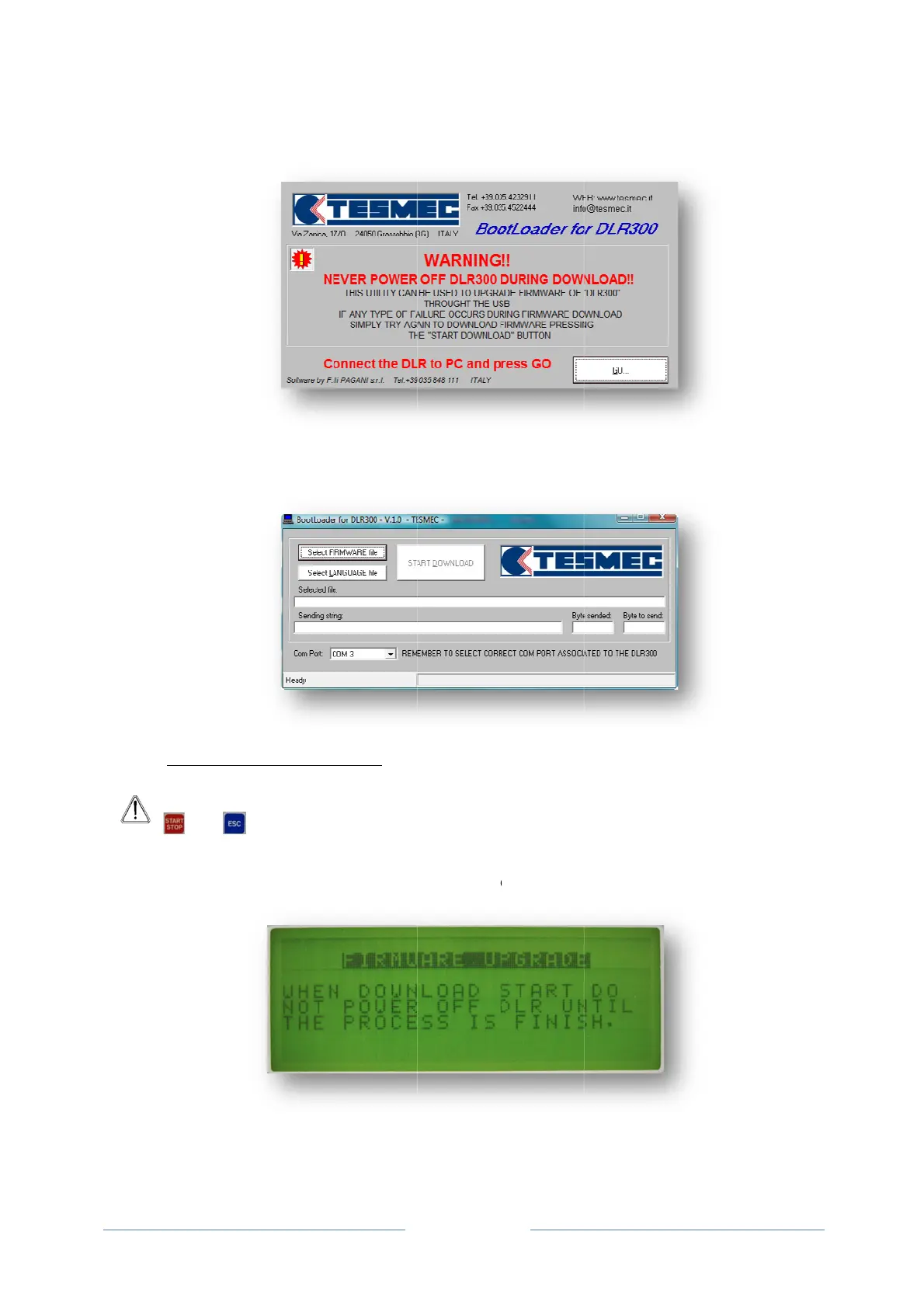
Tesmec DLR300 - INSTALLING THE FIRMWARE

Tesmec DLR300
52 pages
Print Icon
To Next Page IconTo Next Page
To Previous Page IconTo Previous Page
Loading...
6.2.3
A
1.
3.
A
dialo
g
and to
N
4. The up
d
the devi
INSTALLIN
G
A
TTENTION
and
s
Verify that t
h
switch the d
g
ue window
a
N
EVER swit
c
d
ate prepar
a
ce to be up
d
G
THE FIR
M
: In order t
o
s
imultaneo
u
h
e messag
e
evice off on
c
a
ppears: inf
o
c
h the devic
e
a
tion window
d
ated.
M
WARE
o
update t
h
u
sl
y
.
e
below app
e
c
e the firmw
a
Page 40
o
rming the u
s
e
off during t
h
appears. S
e
h
e firmware
,
e
ars on the
d
a
re update b
e
s
er to conne
h
e firmware
u
e
lect the co
r
,
switch th
e
d
isplay of th
e
e
gins;
ct and switc
h
u
pdate;
r
rect COM p
e
device on
e
device, al
e
h
on the DL
R
ort associat
e
while pres
e
rting the u
s
R
300
e
d to
sing
s
er to

Related product manuals