EasyManua.ls Logo

Tesmec DLR300 - INSTALLING A NEW LANGUAGE

Tesmec DLR300
52 pages
Print Icon
To Next Page IconTo Next Page
To Previous Page IconTo Previous Page
Loading...
4.
5.
6.
A
m
6.2.4
1.
2.
3.
Once the u
p
has been s
u
Close the B
o
Disconnect
t
A
TTENTION
m
ust be clo
s
INSTALLIN
G
To add a
n
correct .MS
G
A
ccess the
4.2.4).
Click the S
T
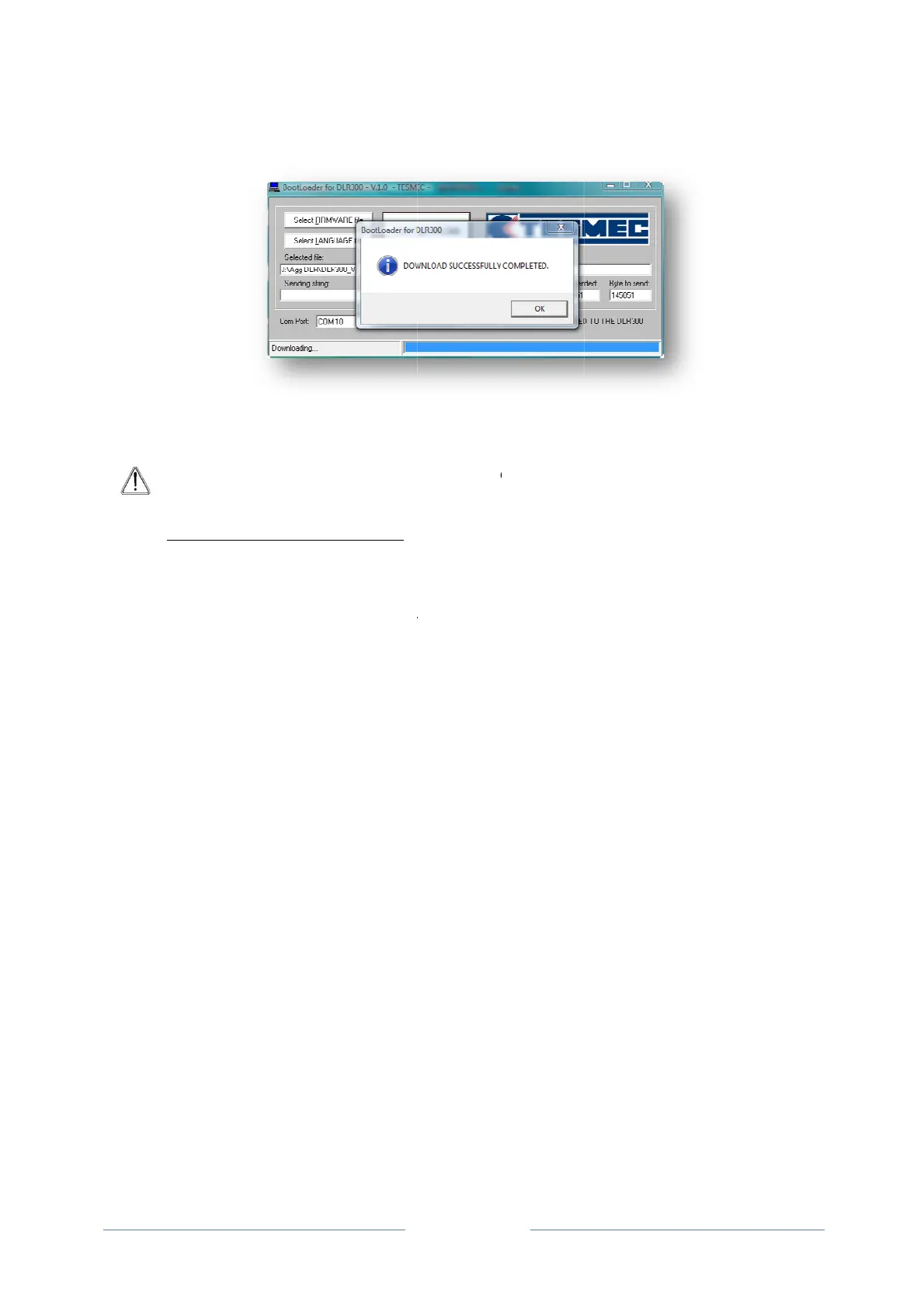
completed.
p
date is co
m
u
ccessful or
n
o
otloader an
t
he USB tha
t
: If multiple
s
ed and res
G
A NEW L
A
n
ew languag
G
file;
correct men
T
ART DOW
N
m
plete, a m
e
n
ot. Click O
K
d switch the
t
connects t
h
DLR300 u
n
tarted each
A
NGUAGE
e on the D
L
u on the D
L
N
LOAD butt
o
Page 42
e
ssage will
a
K
to finish.
DLR300 off
;
h
e DLR300 t
o
n
its are to b
e
time a new
L
R300, clic
k
L
R300 to rec
o
n to start th
e
a
ppear confi
;
o
the PC
e
updated,
t
device is c
o
k
Select LA
N
eive a new
l
e
installatio
n
rming whet
h
t
he Bootlo
a
o
nnected t
o
N
GUAGE fil
e
l
anguage (r
e
n
. Wait for th
e
h
er the dow
n
a
der progra
m
o
the PC.
e
and selec
e
fer to para
g
e
operation
t
n
load
m
me
t the
g
raph
t
o be

Related product manuals