8.4 Printing
Via the print menu you can control whether you wish
to print the following:
- current measured values
- a particular protocol
- activated settings with reference to
Programming I, Programming II,
Programming III, Alarm 1 or Alarm 2
Before operating the printer please read the
enclosed Instruction Manual.
If “CANCEL” is selected the instrument completes the
current (processed internally) block and printing is
stopped after max. 10 lines.
8Main menu
23
Print
Values
Protocol
Settings
8.3 Memory
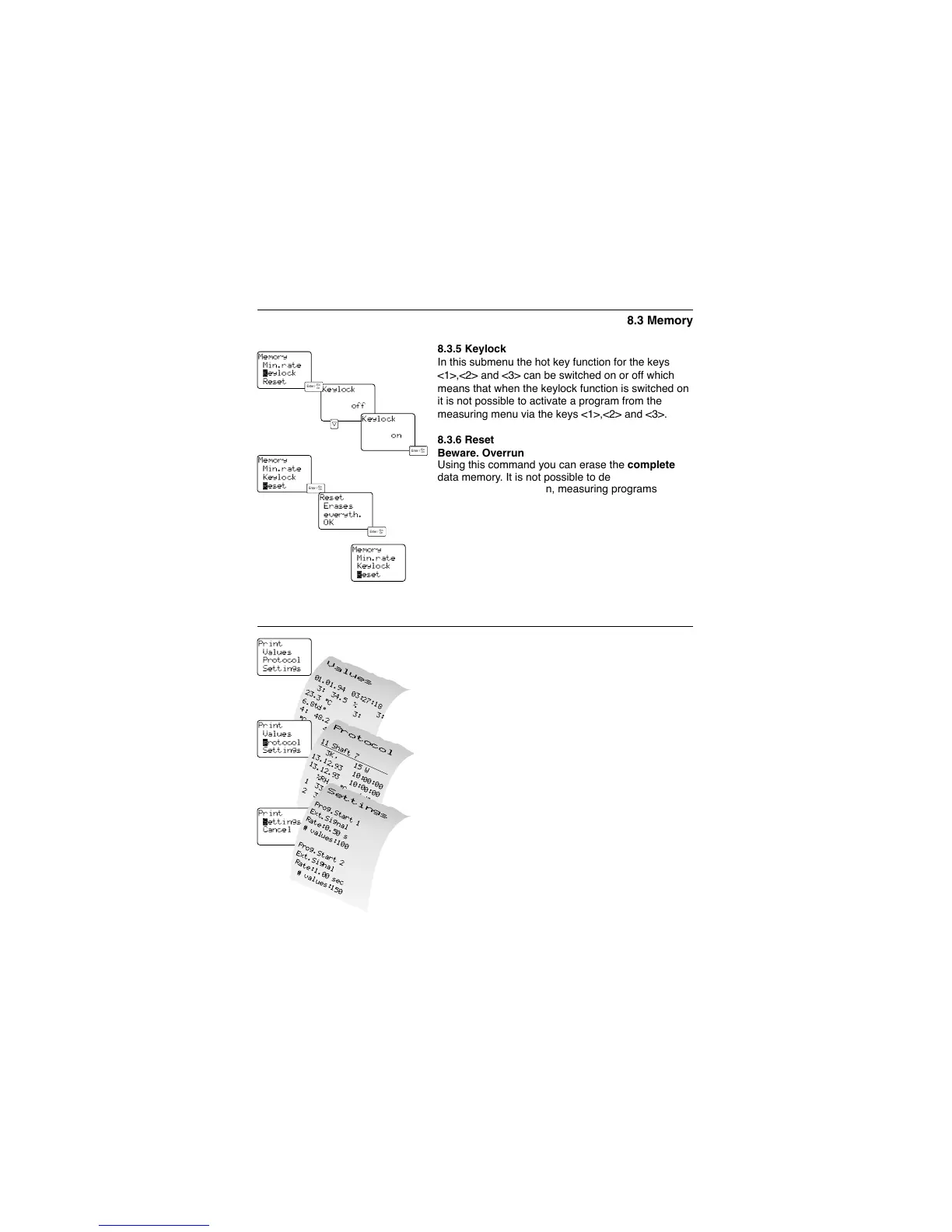
8.3.5 Keylock
In this submenu the hot key function for the keys
<1>,<2> and <3> can be switched on or off which
means that when the keylock function is switched on
it is not possible to activate a program from the
measuring menu via the keys <1>,<2> and <3>.
8.3.6 Reset
Beware. Overrun
Using this command you can erase the complete
data memory. It is not possible to delete selected
protocols. Configuration, measuring programs etc.
remain.
Select the submenu “R
ESET” from the menu “MEMO-
RY
” and press <Enter>. The whole memory is
erased.
You then return to the “M
EMORY
” menu.
During the inquiry “
RESET, ERASES EVERYTH., OK” it is
possible to cancel the process with the <Point> key.



 To Next Page