EasyManua.ls Logo

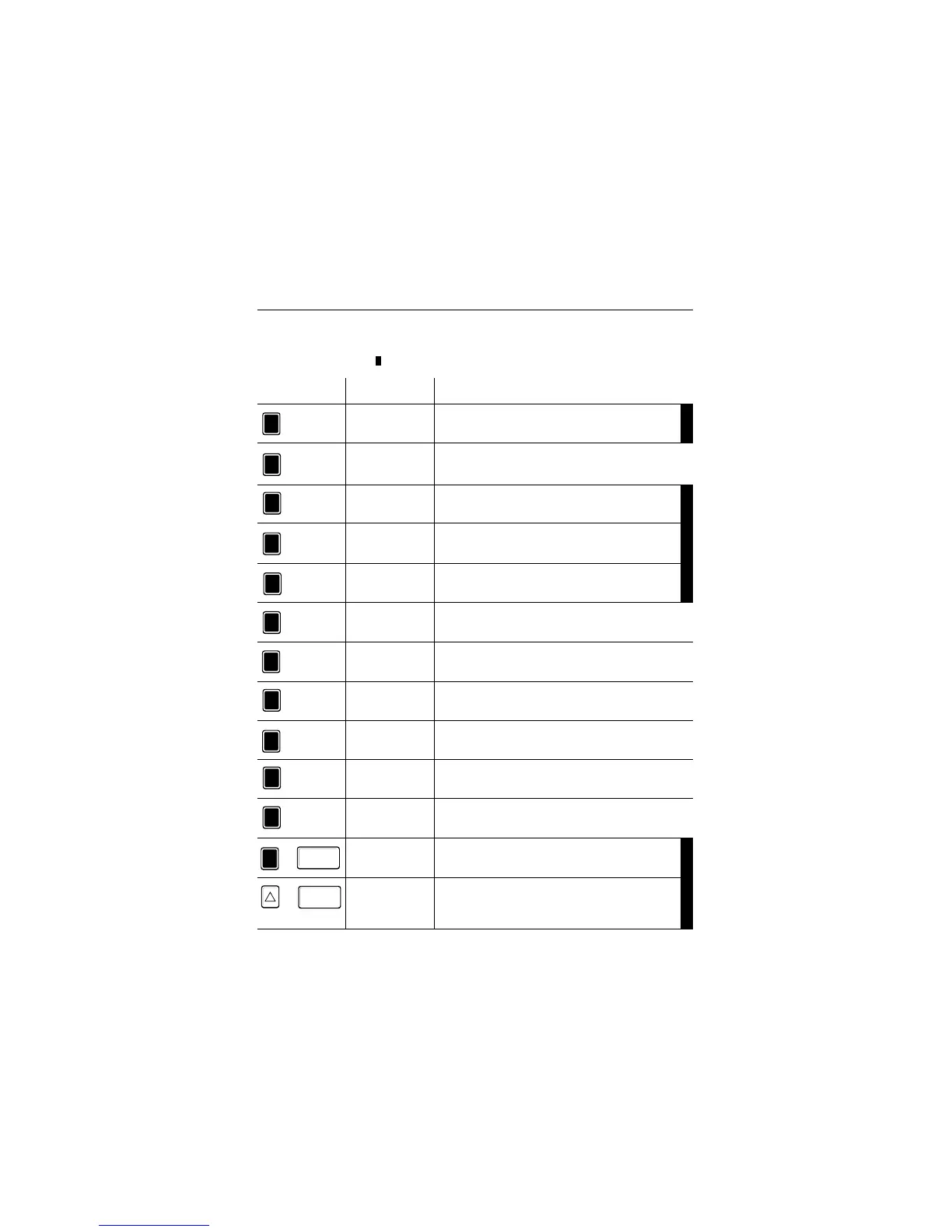
TESTO 454 - 4.1 Hot Keys

TESTO 454
44 pages
Print Icon
To Next Page IconTo Next Page
To Previous Page IconTo Previous Page
Loading...
Key Text Text in display
Function when key is pressed
4Keyboard layout
7
Backl. (Backlight)
Background light on/off
P1 I/O
Start/stop programming 1
P2 I/O
Start/stop programming 2
P3 I/O
Start/stop programming 3
Location
Selects from list
View
Activates protocol overview
Print
Activates print menu
P1 set
Defines programming 1
P2 Set
Defines programming 2
P3 Set
Defines programming 3
Pkt.Msg (Point measurement)
Files single measuring blocks in the memory.
<Point>
<0>
<1>
<2>
<3>
<4>
<5>
<6>
<7>
<8>
<9>
Displays version number
<Point>+<Enter>
“Zeroizes” pressure probe
Ein
On
Enter /
Ein
On
Enter /
<Up>+<Enter>
Hot key functions are short commands which make it possible to activate submenus direct-
ly without having to select them by scrolling through the menu tree. The hot key functions,
marked with black bars ( ), are only active parallel to the measuring menu.
+
+
4.1 Hot keys

Other manuals for TESTO 454

Related product manuals