6 Operating the instrument
14
6.1 Switching the instrument on
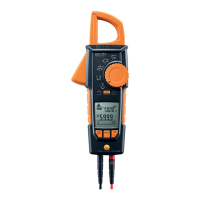
> Switch on: turn the rotary switch to the required measuring mode.
- The instrument switches on.
6.2 Switching the background illuminaon
on/o
> To switch on/o: briey press the [ ] key.
The background illuminaon switches o automacally within 2 minutes.
It is possible to switch the background illuminaon on/o in all
measuring modes.
6.3 Switching the instrument o
(automacally/manually)
6.3.1 Automacally
The automac power-o funcon (APO) is always enabled as a default seng and
is shown on the LC display as APO. If no control key is pressed within 15 min, the
instrument switches o automacally. If necessary, the automac power-o
funcon (APO) can be turned o.
> Disable power-o funcon: press the [ ] key and turn the rotary
switch from the OFF posion to a dierent posion.
Once the instrument has switched o, the power-o funcon is reset
to the default seng.
6.3.2 Manually
> Switch o: turn the rotary switch to the [OFF] posion.


 To Next Page