4 Operation
12
4 Operation
4.1 Commissioning
Please refer to the commissioning instructions supplied for testo 865, 868, 871,
872 (0973 8720).
4.2 Switching instrument on and off
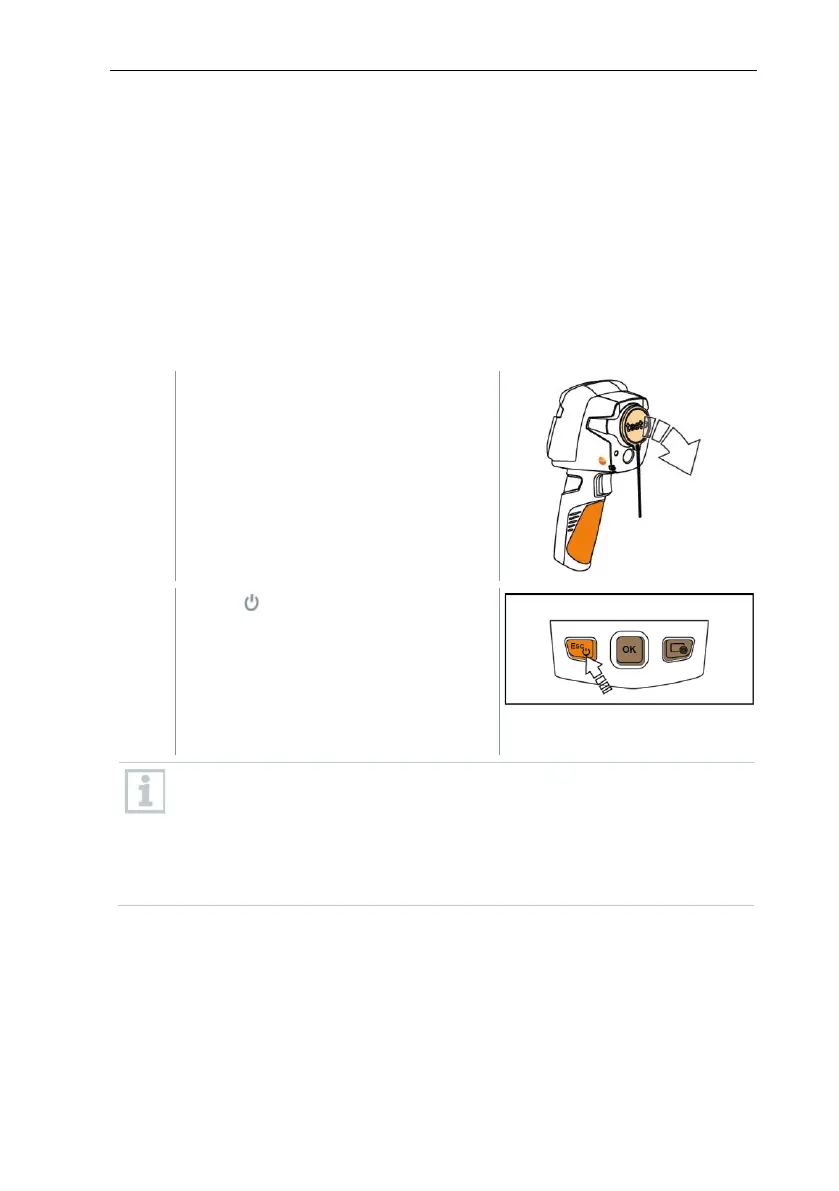
Switching on the camera
To ensure measuring accuracy, the camera performs automatic zeroing
approx. every 60 s. A “click” is heard when this happens. The image
freezes briefly when this occurs. Zeroing is carried out more frequently
during the camera warm-up period (takes approx. 90 seconds).
During the warm-up period no measuring accuracy is guaranteed. The
image can already be used for indication purposes and saved.



 To Next Page