6 Bluetooth® connection
18
6 Bluetooth
®
connection
A connection between the thermal imager and the testo 605i humidity probe or
testo 770-3 clamp meter can be established via Bluetooth
®
.
- Move the joystick and select Configuration.
- Press OK.
- Move the joystick down and select Connectivity.
- Press OK.
- Select Bluetooth
®
and press OK to enable (a check mark appears
when Bluetooth
®
is enabled).
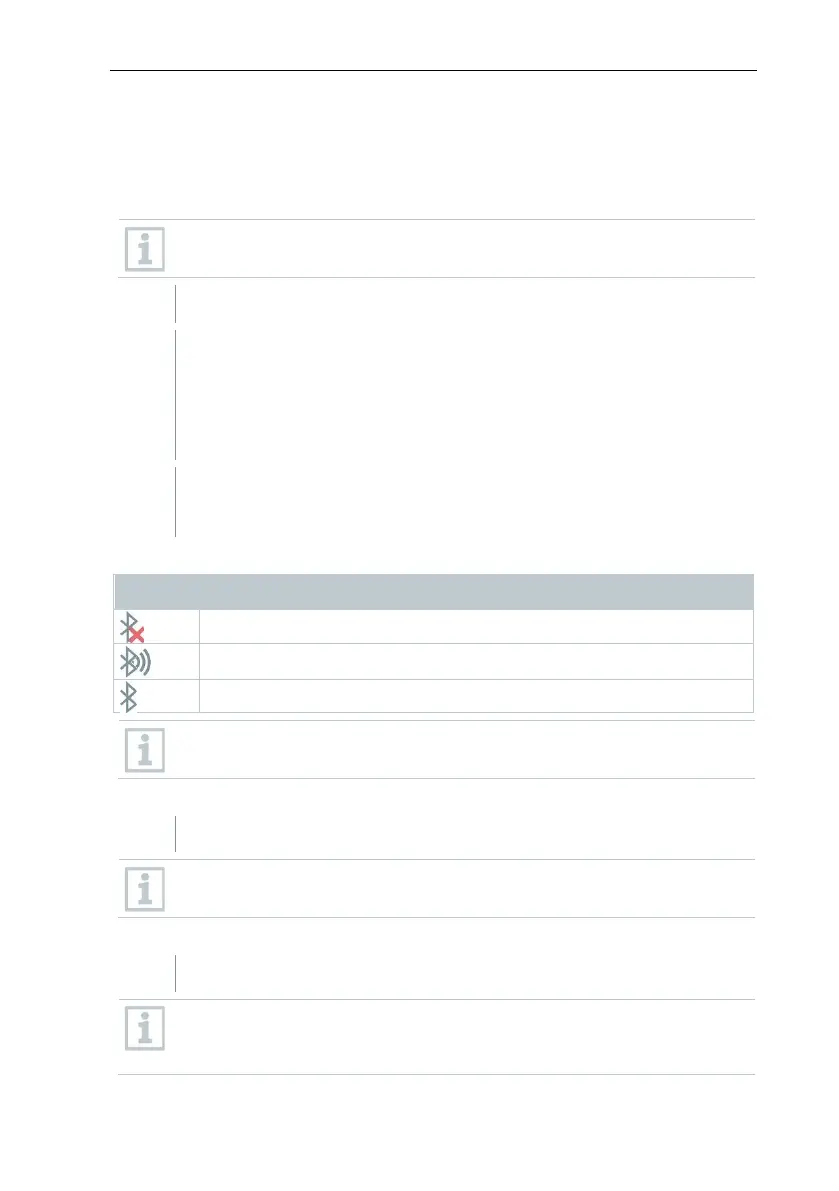
Explanation of Bluetooth
®
icons
No connection to the probe
Probe readings are being transmitted.
Before a value can be displayed, the corresponding measurement
setting for clamp meter or humidity probe must be selected.
When connected to the clamp meter
Clamp meter readings are displayed in the header.
Readings are only transferred if the current, voltage or power is set on
the clamp meter.
When connected to the humidity probe
The thermal imager switches automatically to humidity measurement.
If a WLAN connection is enabled in addition, the Bluetooth data transfer
is continued. However, it is not possible to establish a new connection
to a probe.



 To Next Page