7 Performing the measurement
26
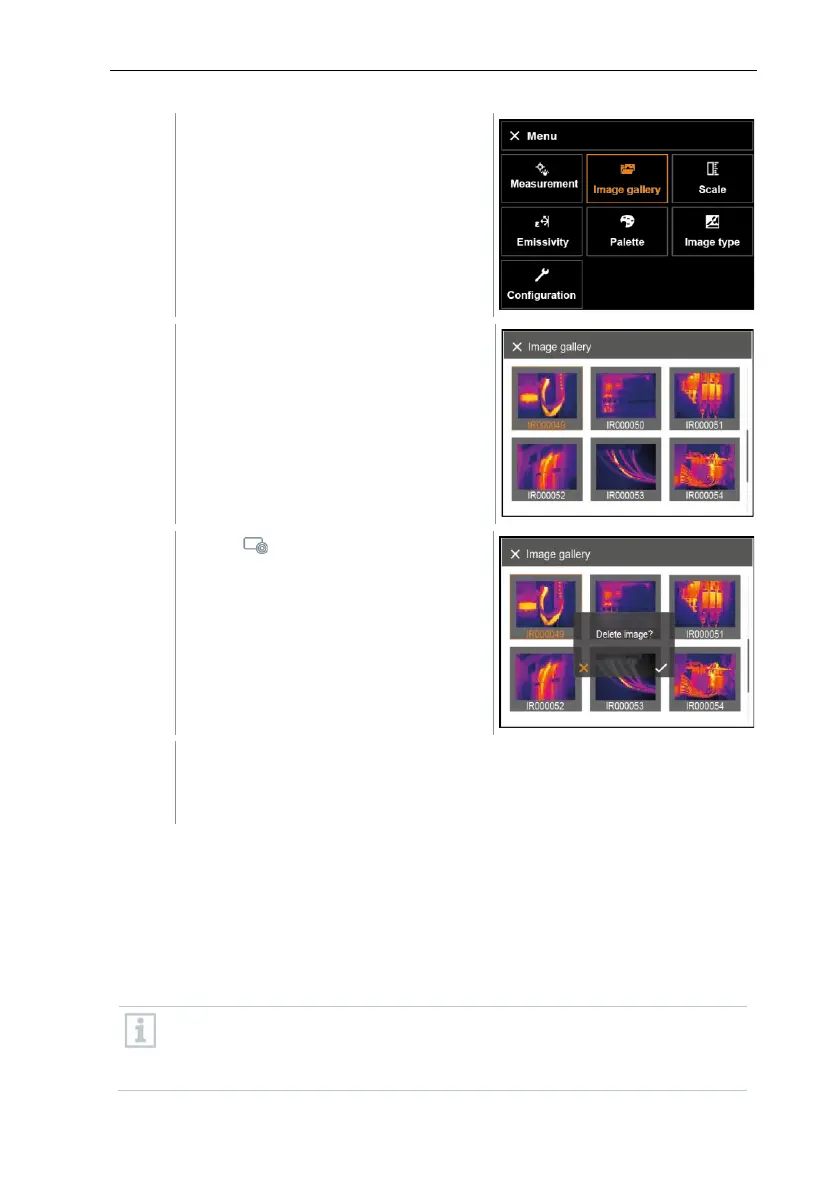
All saved images are displayed in the
form of an infrared image preview.
- Move joystick to select an image.
Delete image? is displayed.
- Press OK to delete the image.
- Press Esc to cancel the process.
7.5 Setting the scale
Manual scaling can be activated instead of automatic scaling (continuous
automatic adjustment to the current min./max. values). The scale limits can be
set within the measurement range.
The activated mode is displayed bottom right: A automatic scaling, M manual
scaling and S OptiScale (ScaleAssist).
Auto-scaling continuously adjusts the scale to the readings presented,
and the colour assigned to a temperature value changes.
In manual scaling fixed limit values are defined, and the colour
assigned to a temperature value is fixed (important for visual image



 To Next Page