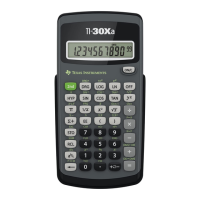
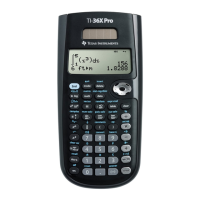
© 1999 T
EXAS
I
NSTRUMENTS
I
NCORPORATED
TI-30X ÙS: A Guide For Teachers
A-1
Quick Reference to Keys
A
Key Function
!
"
#
$
Moves the cursor left and right so you can scroll the entry line. Press
%
!
or
%
"
to scroll to the beginning or end of the entry line.
Moves the cursor up and down so you can see previous entries. Press
%
#
or
%
$
to scroll to the beginning or end of the history.
T
U
V
W
Adds, subtracts, multiplies, and divides.
7
–
6
Enters the digits 0 through 9.
D
E
Opens a parenthetical expression.
Closes a parenthetical expression.
a
Calculates the reciprocal.
F
Squares the value.
g
Enters the value of pi rounded to 10 digits (3.141592654).
8
Enters a decimal point.
M
Indicates the value is negative.
G
Raises a value to a specified power.
=
Displays the following menu that lets you specify the unit of an angle.
º
Specifies degrees.
r
Specifies radians.
g
Specifies gradients.
DMS
Specifies degrees (
º
), minutes (
´
), and seconds (
´´
). It
also lets you convert an angle from decimal degrees to
DMS
notation.
%
Turns on the
2nd
indicator and accesses the function shown above the
next key that you press.
%
]
Calculates the common antilogarithm (10 raised to the power of the value).
%
b
Calculates the square root.
%
_
Changes a
real number to percent. Results display according to the
Decimal Notation mode setting.
%
[,] Enters a comma.
%
c
Calculates the specified root (x) of the value.



 To Next Page
 Loading...