© 1999 T
EXAS
I
NSTRUMENTS
I
NCORPORATED
TI-30X ÙS: A Guide for Teachers
45
Decimals and Decimal Places
6
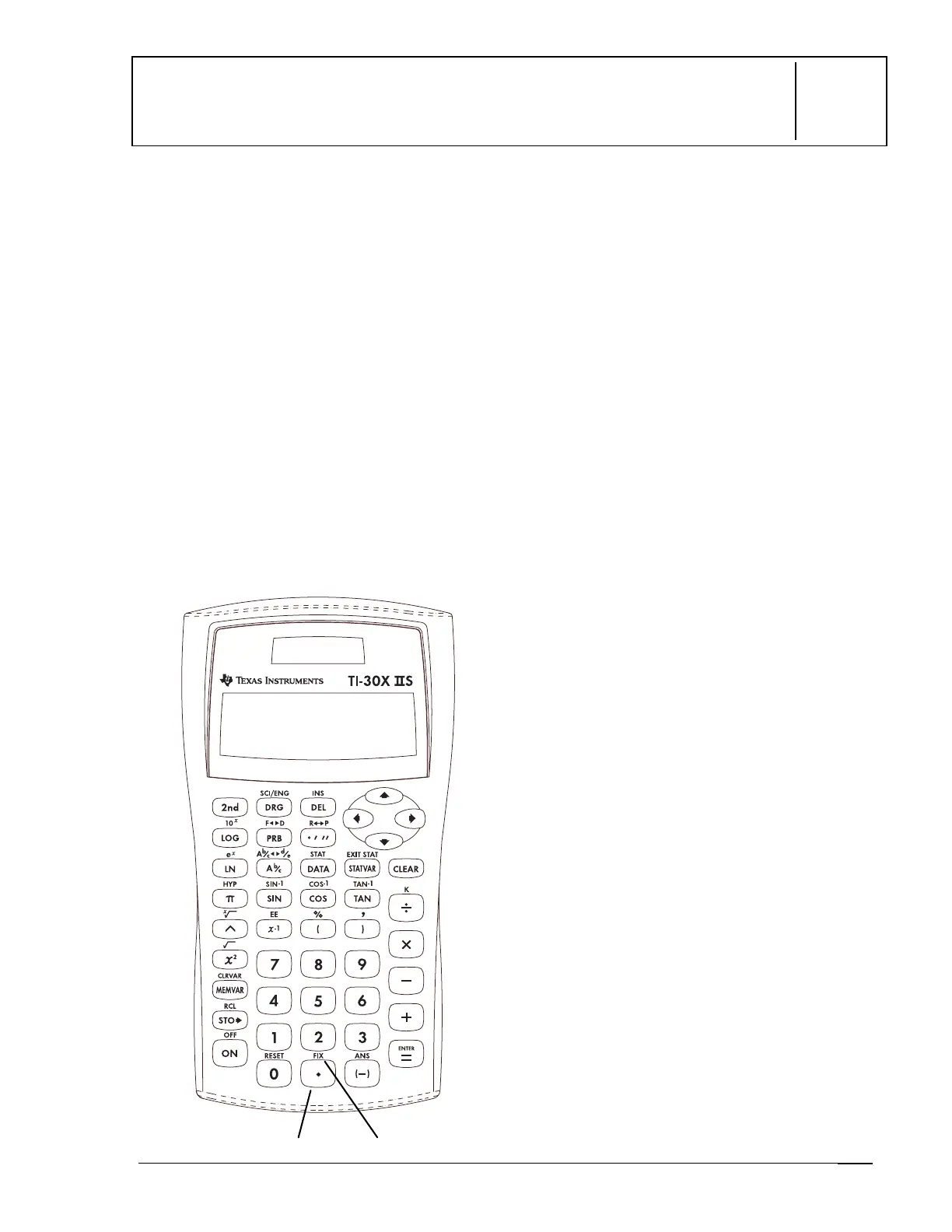
Keys
1.
8
enters a decimal point.
2.
%
‚
displays the following menu that
lets you set the number of decimal places.
F 0 1 2 3 4 5 6 7 8 9
F
Sets floating decimal
(standard) notation.
0-9
Sets number of decimal places.
Notes
•
The examples on the transparency masters
assume all default settings.
•
%
‚
8
removes the setting and
returns to standard notation
(floating
decimal).
•
The
FIX
setting affects all decimal results
and the mantissa of Scientific and
Engineering notation results.
•
The TI-30X
Ù
S automatically rounds the
result to the number of decimal places
selected. For example, when the decimal is
set to 2 places, 0.147 becomes 0.15 when
you press
<
. The TI-30X
Ù
S also rounds
or pads resulting values with trailing zeros
to fit the selected setting. For example,
when the decimal is set to 5 places, 0.147
becomes 0.14700 when you press
<
.
•
All results are displayed to the
FIX
setting
until you clear the setting by either
pressing
%
‚
8
or selecting
F
(floating) on the decimal notation menu.
Resetting the calculator also clears the
FIX
setting.
•
After pressing
%
‚
, you can select the
number of decimal places in 2 ways:
Press
!
or
"
to move to the
number of decimal places you want,
and then press
<
, or
Press the number key that
corresponds to the number of
decimal places you want.
• FIX
affects only the results, not the entry.
2



 To Next Page
 Loading...