36 Working with Variables
Working with Variables
You can enter and use several types of data, including real and complex numbers,
matrices, lists, functions, stat plots, graph databases, graph pictures, and strings.
Using Variable Names
Variables and Defined Items
You can enter and use several types of data, including real and complex numbers,
matrices, lists, functions, stat plots, graph databases, graph pictures, and strings.
The TI-84 Plus T uses assigned names for variables and other items saved in memory.
For lists, you also can create your own five-character names.
Variable Type Names
Real numbers
(including fractions)
A, B, ... , Z, q
Complex numbers A, B, ... , Z, q
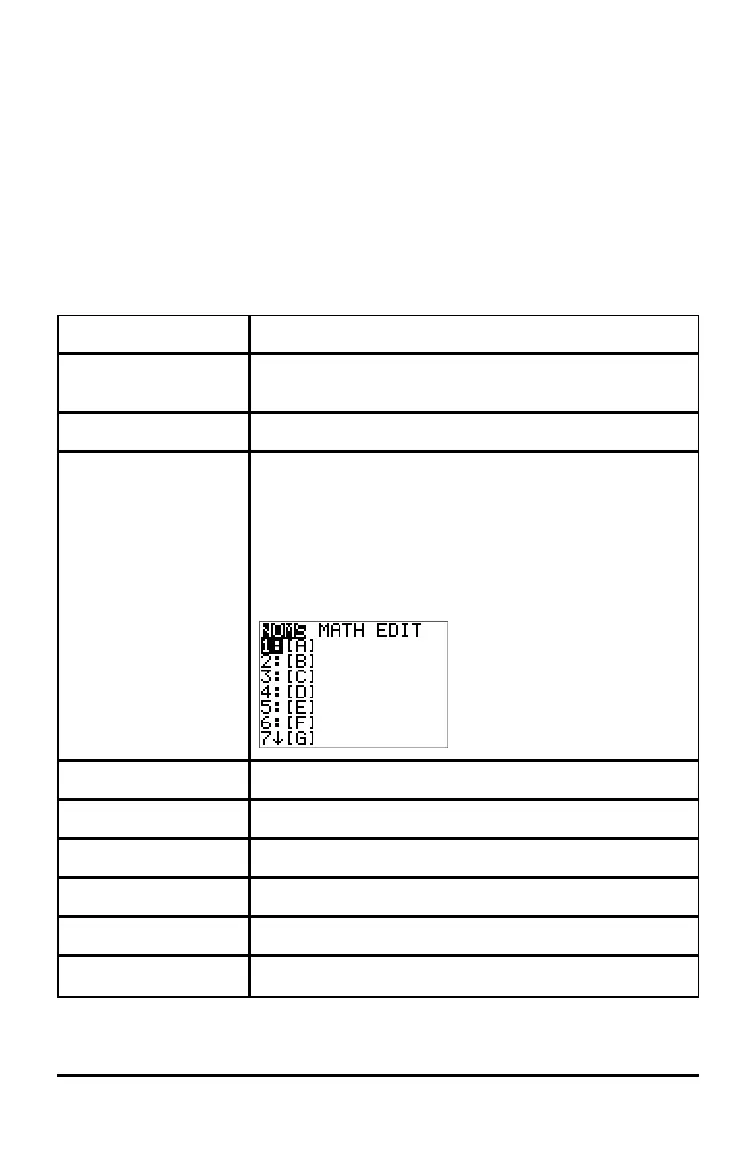
Matrices ãAä, ãBä, ãCä, ... , ãJä
To enter a matrix name:
Press y ¾.
The Matrix Names menu appears.
Press the number on the keypad that corresponds with the
desired Matrix Name.
Ex: Press 1 for [A] as shown below.
Lists* L1, L2, L3, L4, L5, L6, and user-defined names
Functions Y1, Y2, ... , Y9, Y0
Parametric equations X1T and Y1T, ... , X6T and Y6T
Polar functions r1, r2, r3, r4, r5, r6
Sequence functions u, v, w
Stat plots
Plot1, Plot2, Plot3




 To Next Page