48 Using Accessories
Using Accessories
This section covers how to use:
• TI computer software
• TI Charging Station CE
• TI rechargeable batteries
Using the TI-SmartView™ CE
The TI-SmartView™ CE software allows you to display a TI graphing calculator for your
entire classroom. With TI-SmartView™ CE software, you can:
• View the history of your key press entries.
• Capture and save screen shots to use in other documents as you investigate a math
or science concept.
• Use the View
3
™ pane to show three additional screens simultaneously.
The TI-SmartView™ CE software includes two workspaces:
Calculator Emulator: allows you to perform calculations and view answers as you
would on a physical calculator
Emulator Explorer: allows you to manage calculator content
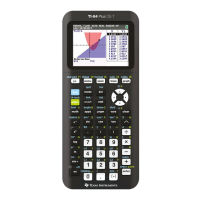
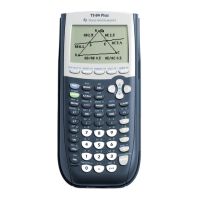
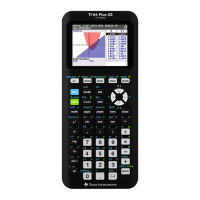
• Use TI-SmartView™ CE for the TI-84 family of graphing calculators
-or-
• Use TI-SmartView™ for the TI-84 family of graphing calculators
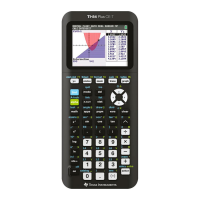
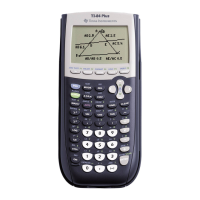
• Choose the TI-84 Plus emulator from the list of calculators in TI-SmartView™
Using TI Connect™ CE
The TI Connect™ CE software makes exchanging information between your graphing
calculator and your computer quick and easy.
The TI Connect™ CE software includes three workspaces:
Calculator Explorer: allows you to manage calculator content
Screen Capture: allows you to manage screen captures
Program Editor: allows you to work with data variables




 To Next Page