2 Keyboard Basics
Keyboard Basics
This section covers basic graphing calculator settings and explains how to navigate the
home screen and menus.
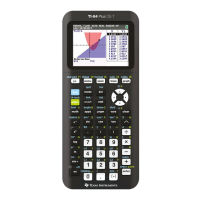
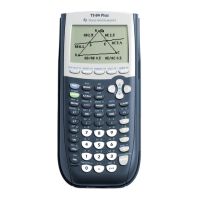
Turning the TI-84 Plus T On and Off
This section covers basic on and off features for your graphing calculator.
Turning the Graphing Calculator On
Press É.
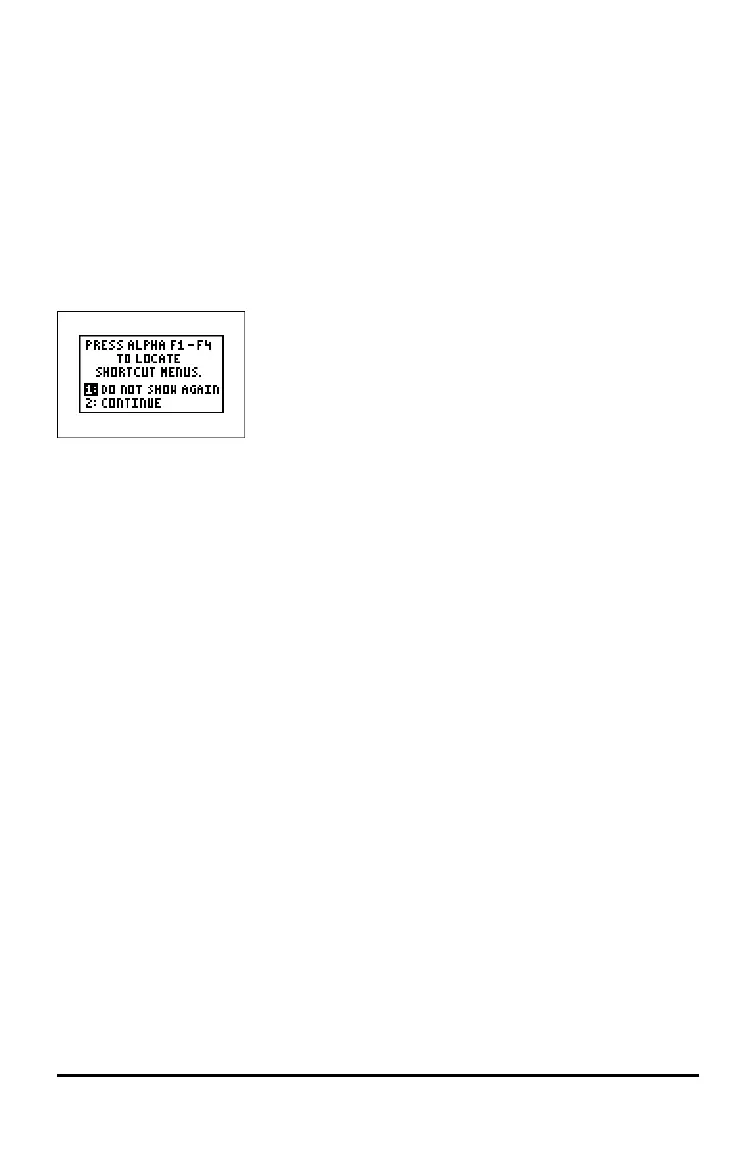
An information screen displays:
• Press À to continue to the home screen but not see this information screen the
next time you press É.
-or-
• Press Á to continue to the home screen.
Note: Any entry from this information screen will take you to the home screen (a
blank screen).
The information screen shows the following for information purposes only. You must
go to the home screen before you can complete the following.
• Press ƒ ^ - a to locate shortcut menus.
Note: This message also displays when you reset RAM.
Turning the Graphing Calculator Off
Press y M.
• The Constant Memory™ function retains settings and memory, and clears any error
condition.
• Press } (if the home screen is blank), to scroll through the calculator history.
• If you turn off the TI-84 Plus T and connect it to another graphing calculator or
personal computer, any communication will “wake" it up.
Automatic Power Down™ (APD™)
• To prolong battery-life, APD™ automatically turns the TI-84 Plus T off after about
three minutes of inactivity.





 To Next Page