95
A background map generally consists of a base map, plus ad-
ditional details that you can for example import from your
GIS system. Thus, a background map is a stack of several
layers, but as opposed to layers in a job file, which you can
select on the Map Display area, the layers composing a back-
ground map result in a single, merged, raster-type map on the
Map Display area, with no possibility to select any individ-
ual items shown on this map
MobileMapper Office can only take MIF, SHP and DXF
shapefiles in WGS84 lat/lon as source data. This includes
shapefiles from GIS files and MapSend maps.
All background maps are in WGS84, lat/lon.
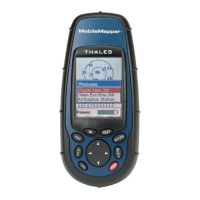
When you upload a job file to the MobileMapper handheld,
the background map currently shown in the Map Display
area when you saved the job is NOT uploaded to the hand-
held as being part of the job. That’s why you will have to use
the
File>Upload to GPS>Background Map command to upload the
background map separately to the handheld.


 To Next Page