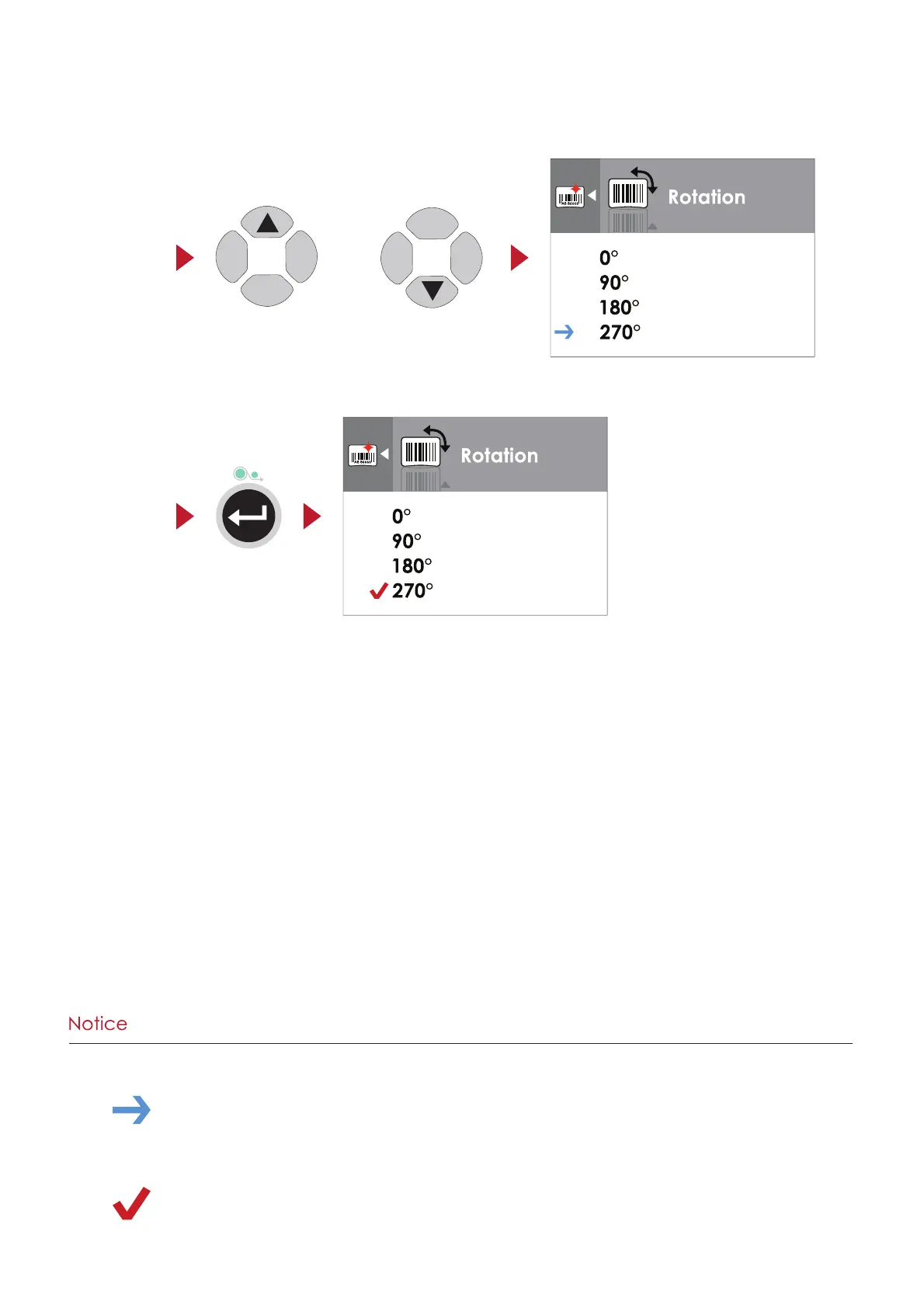
Press the FEED button to apply the value you just selected, and a red tick will appear next to the value.
On SETTING VALUE PAGES, press the
5
or
6
button to change the setting values.
or
Select
Apply
**** The blue arrow indicates the current value.
**** The red checkmark indicates that the selected value is applied now.
17
3 Printer Settings and Control



 To Next Page