CUSTOMER/OPERATOR SERVICE 5-6 Manual 0-2844
3. Reinstall the cover as follows:
a. Reconnect the ground wire, if necessary.
b. Place the cover onto the frame so that it rests on
the lower screws.
c. Tighten lower screws.
d. Reinstall and tighten the upper screws.
B. Fuse Replacement
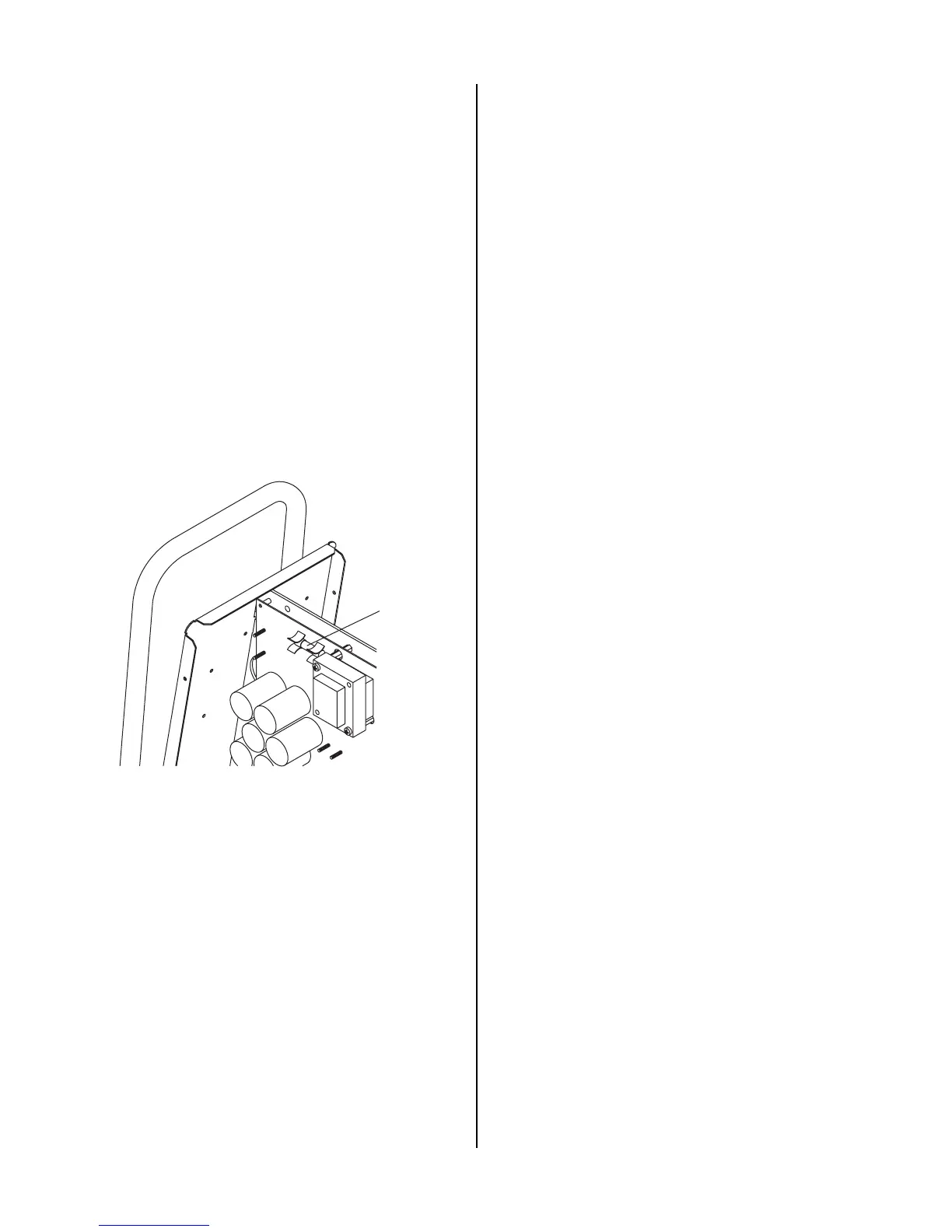
1. Remove the unit cover per paragraph "A" above.
2. Locate the internal fuse on the left side of the center
chassis.
3. Replace the fuse. Refer to Section 6.04 for proper
fuse specification.
4. Reinstall the cover by reversing the steps in para-
graph "A" above.
A-02957
Fuse Location
Internal Fuse Location



 To Next Page