Manual 0-2956 3-9 INSTALLATION
B. Check Air Quality
To test the quality of air:
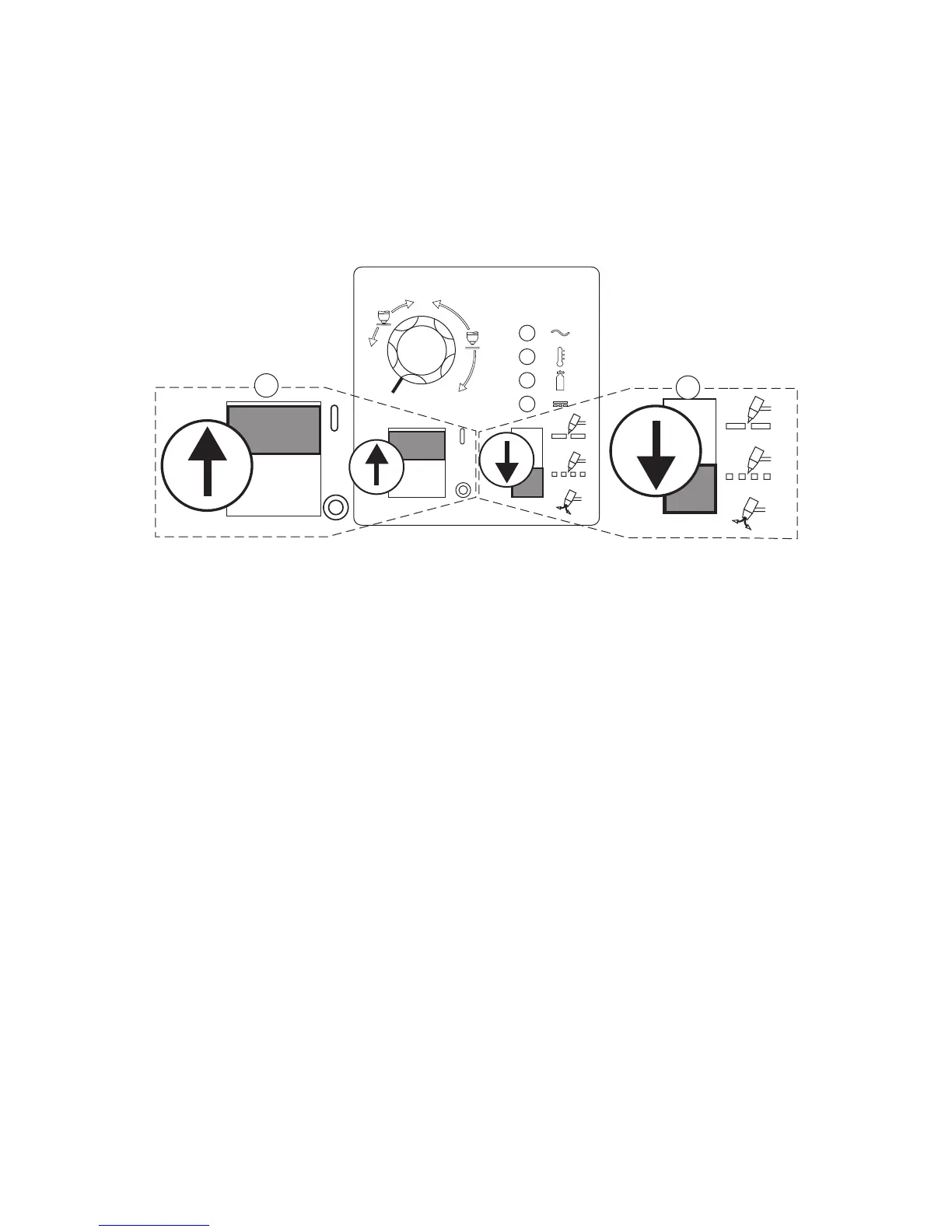
1. Put the ON / OFF switch in the ON (up) position.
2. Put the RUN / RAPID AUTO RESTART / SET switch in the SET (down) position.
3. Place a welding filter lens in front of the torch and turn on the air. Any oil or moisture in the air will be visible
on the lens. Do not start an arc!
Art # A-03592
A
20
40
60
1
2












 To Next Page