1. Get to Know Your THINK City
114
How to Start/Stop the Vehicle
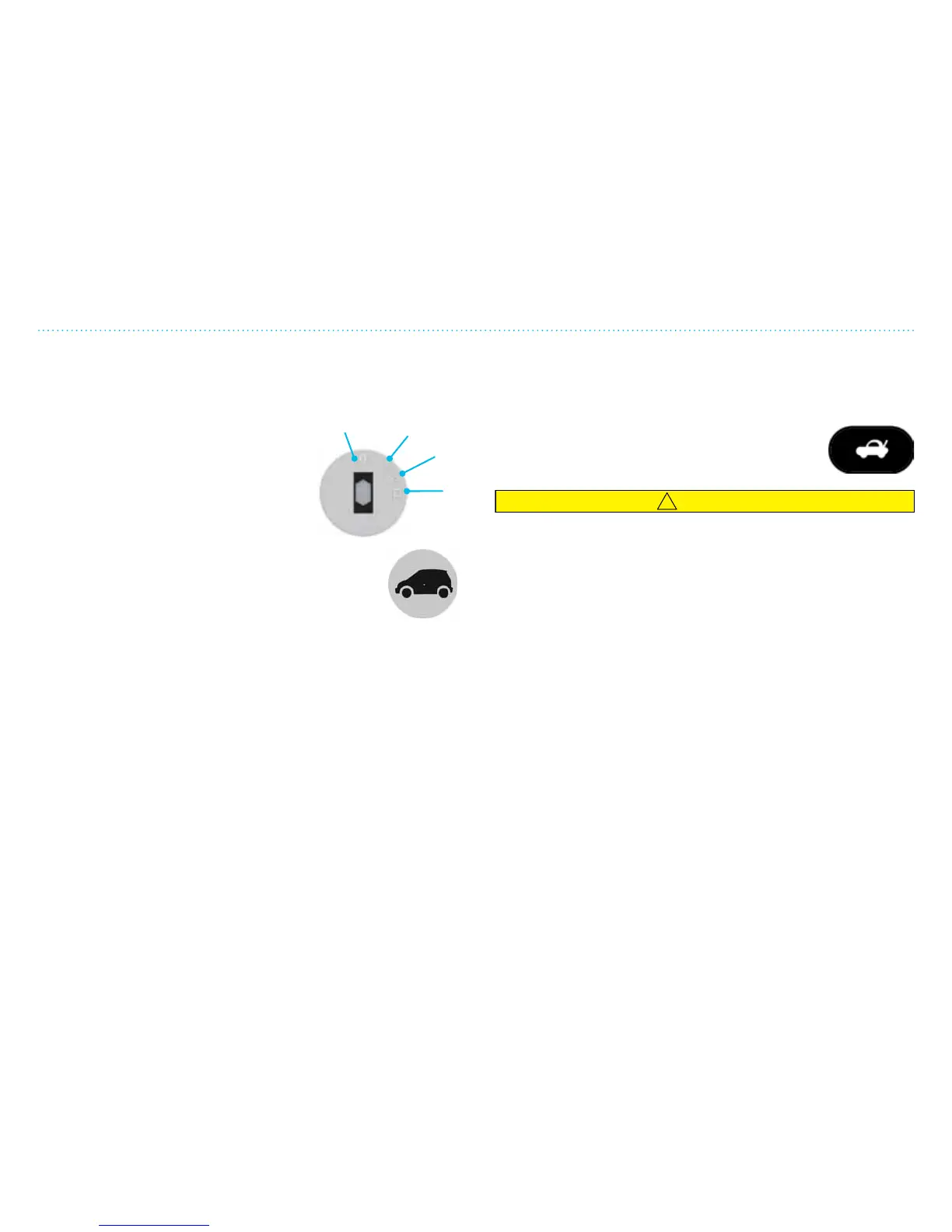
How to Start the Vehicle
1. Disconnect the battery charging cable.
2. Make sure the gear selector is in P (PARK).
3. Turn the ignition key to position
II, and then to position III and then
release. There will be a humming
sound and all gear indicator lamps
(green) will illuminate.
4. When the motor starts, the telltale
lamp showing a green vehicle will
illuminate. Make sure all warning and caution
lamps are o.
5. Press the brake pedal and move the gear
selector to desired position.
6. Release the parking brake and press the accelerator pedal.
You can also start the vehicle if the gear selector is in N
(NEUTRAL).
NOTE: The vehicle is equipped with a park-brake interlock. You
must press the brake to shi the gear selector out of P (Park).
How to Stop and Turn Off the Vehicle
1. Press the brake pedal until the vehicle has come to a
complete stop.
2. Ensure that the vehicle is not moving.
3. Move the gear selector to P (PARK) and engage the
parking brake.
4. Turn o the ignition (move to position 0).
5. Remove the ignition key and lock the vehicle.
How to Open the Rear Hatch
From inside the vehicle: Push the button for opening the rear
hatch.
Using key fob: Push the symbol for opening the
rear hatch twice quickly (works only with ignition
key in 0, or ignition key removed).
CAUTION
Make sure the rear hatch is latched before driving (it can
appear closed without actually being latched).
Access Light
Open doors with the key fob to switch on the interior light. The
light will switch o aer 25 seconds if all doors are closed.
The light will switch o if the vehicle is started or locked with
the key fob.
See Chapter 2 for more information.
I
II
III
0


 To Next Page