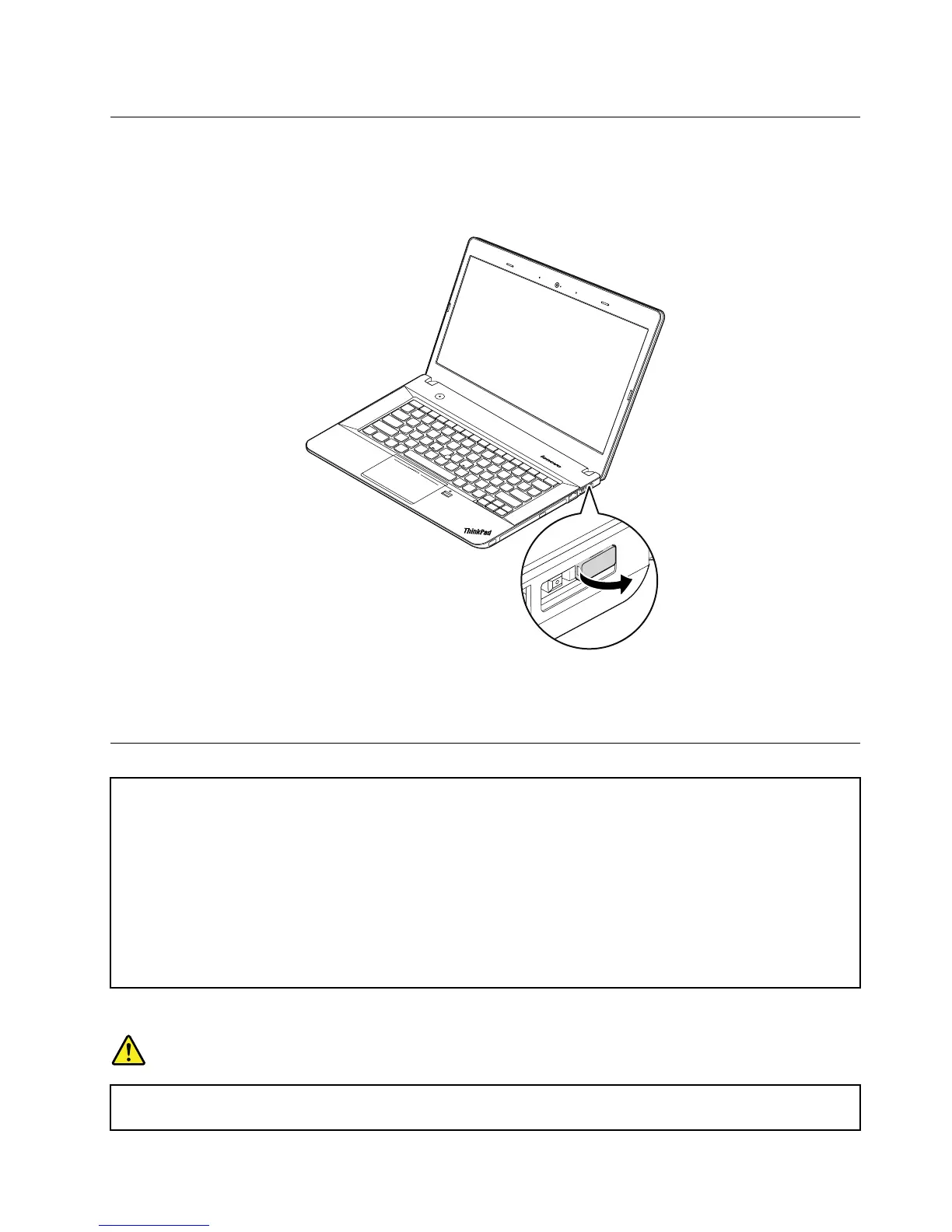
1010Lenovo-OneLink-connectorcover
RemovalstepsoftheLenovo-OneLink-connectorcover
Removetheconnectorcoverasshowninthefollowingillustration.
Note:
EnsurethatyoureattachtheconnectorcovertotheLenovo-OneLinkconnectorafternishingtheservicing.
1020Batterypack
Importantnoticeforreplacingabatterypack
Attention:Lenovohasnoresponsibilityfortheperformanceorsafetyofunauthorizedbatteries,andprovidesno
warrantiesforfailuresordamagearisingoutoftheiruse.
TheLenovoSolutionCenterprogramprovidesanautomaticbatterydiagnostictestthatdeterminesifthebattery
packisdefective.AbatterypackFRUshouldnotbereplacedunlessthisdiagnostictestshowsthatthebattery
packisdefective.Theonlyexceptiontothisisifthebatterypackisphysicallydamagedoracustomerisreporting
apossiblesafetyissue.
IfLenovoSolutionCenterisnotinstalledinthecomputer,thecustomershoulddownloadthisprogrambeforea
non-physicallydamagedbatterypackisreplaced.Notethataphysicallydamagedbatterypackisanon-warranty
replacementpart.
Removalstepsofthebatterypack
DANGER
Useonlytheauthorizedbatterypackspeciedforyourcomputer.Anyotherbatterypackcould
igniteorexplode.
Chapter9.RemovingorreplacingaFRU65



 To Next Page