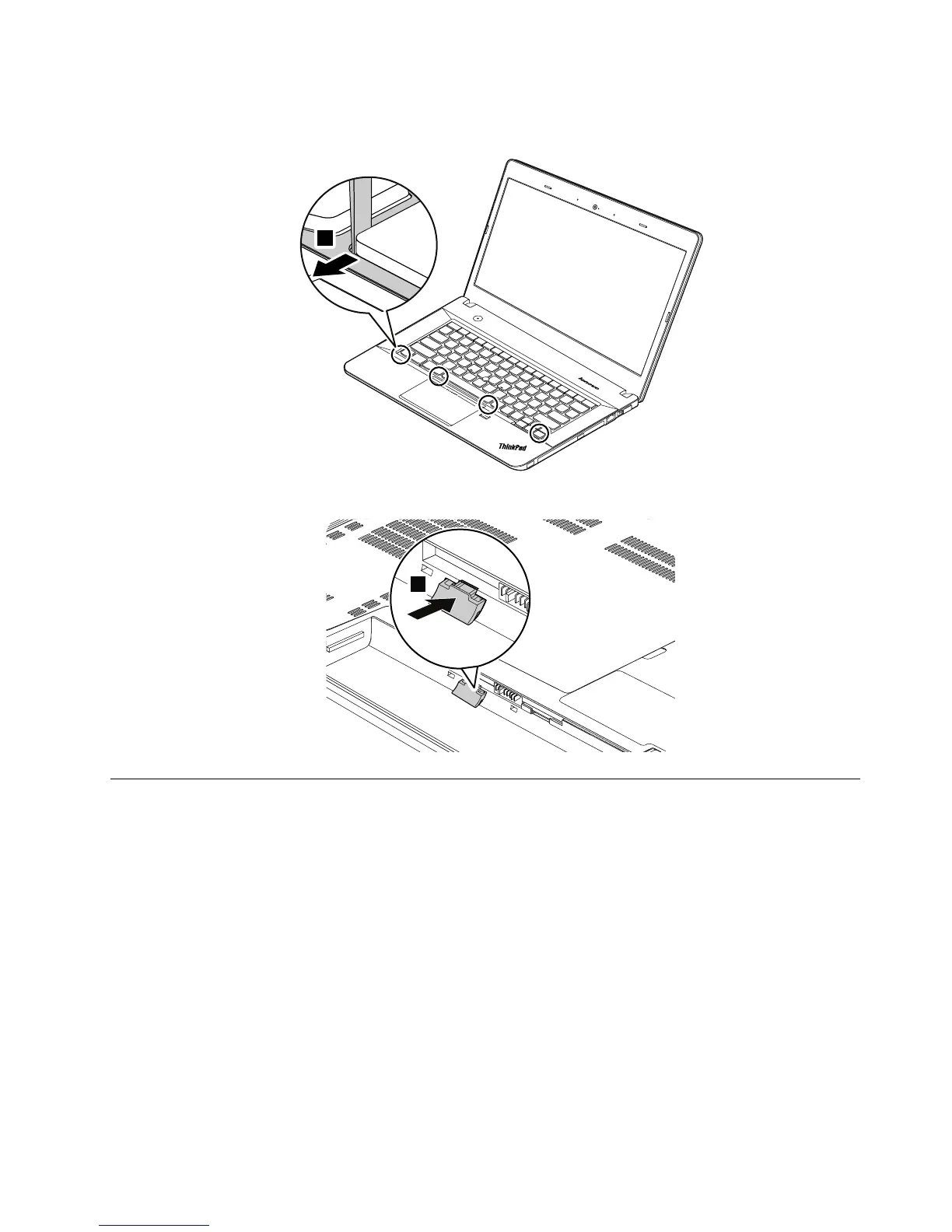
6.Adjustthekeyboardframeinplacewiththekeyboardmulti-toolandensurethatallthelatchesare
securedunderthekeyboardbezel.
1130Keyboardbezelassembly
Foraccess,removetheseFRUsinorder:
•“1020Batterypack”onpage65
•“1030Largebottomcover”onpage66
•“1050Opticaldriveoroptical-drivebaybezel”onpage68
•“1070Harddiskdrivewithbracketorsolid-statedrivewithbracket”onpage69
•“1120Keyboard”onpage77
Chapter9.RemovingorreplacingaFRU83



 To Next Page