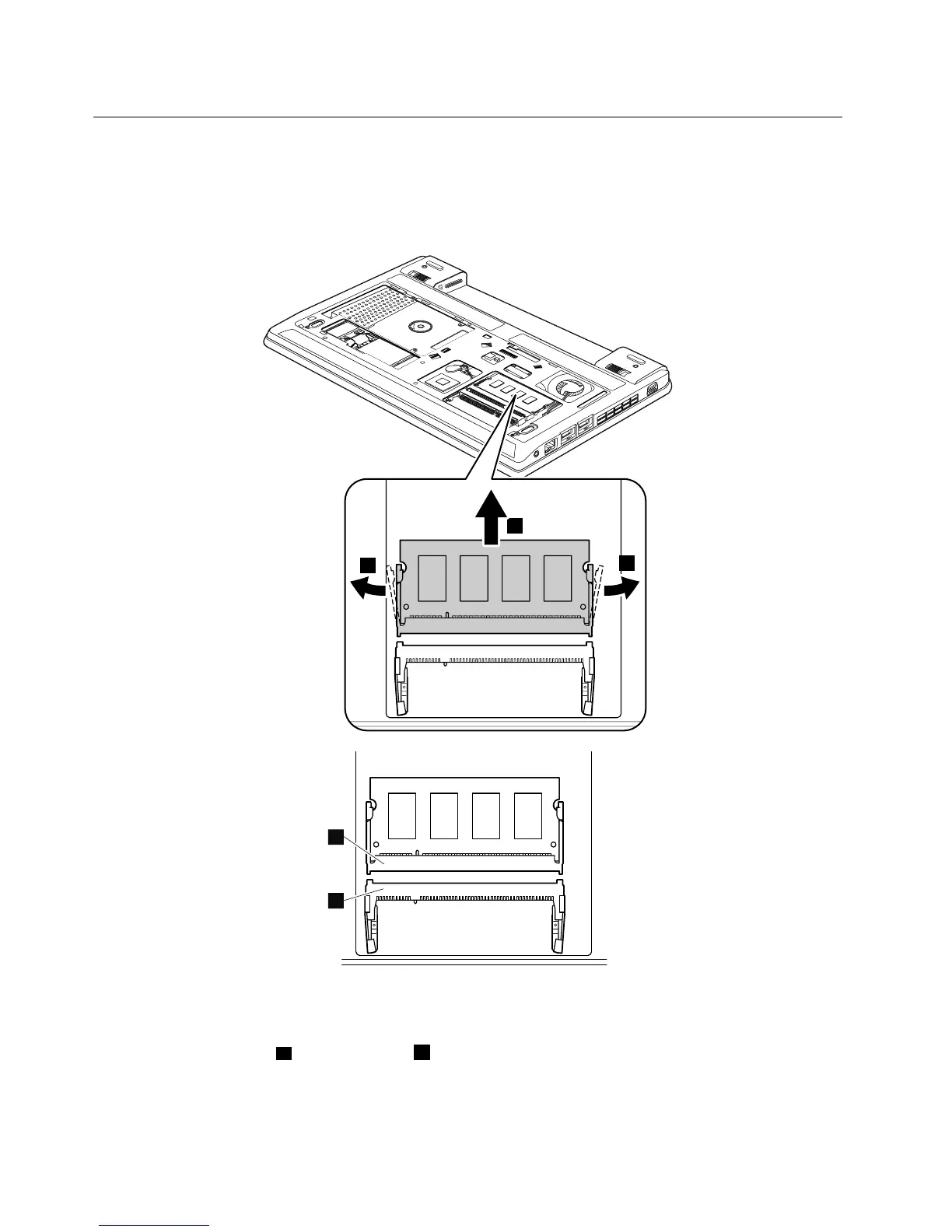
1030Memorymodules
Foraccess,removetheseFRUsinorder:
•“1010Batterypack”onpage56
•“1020Bottomslotcover”onpage57
Removalstepsofmemorymodules
Wheninstalling:
Note:Ifonlyonememorymoduleistobeinstalledonthecomputeryouareservicing,thememorymodule
mustbeinstalledinSLOTa,butnotinSLOTb.
Insertthenotchedendofthememorymoduleintotheslot.Pressthememorymodulermly,andpivotit
untilitsnapsintoplace.Ensurethatitisrmlyinstalledintheslotanddoesnotmoveeasily.
58HardwareMaintenanceManual



 To Next Page