Note:IftheCOAlabelisattachedtoapartthatisreplaced,returntheoldpartwiththelabelattachedtothe
customer,orprovidealettertothecustomerstatingwhatthelabelwasoriginallyonthecomputerandwhat
thelabelpartnumber,serialnumber,andproductkeywere.
2010LCDunit
Foraccess,removetheseFRUsinorder:
•“1010Batterypack”onpage56
•“1020Bottomslotcover”onpage57
•“1040Harddiskdriveorsolid-statedriveassembly”onpage59
•“1050PCIExpressMiniCardforwirelessLAN”onpage60
•“1060PCIExpressMiniCardforwirelessWANormSATAsolid-statedrive”onpage61
•“1070Keyboard”onpage64
•“1080Keyboardbezelassembly”onpage67
•“1130Systemboardassembly,thermalfanassembly,andbackupbattery”onpage72
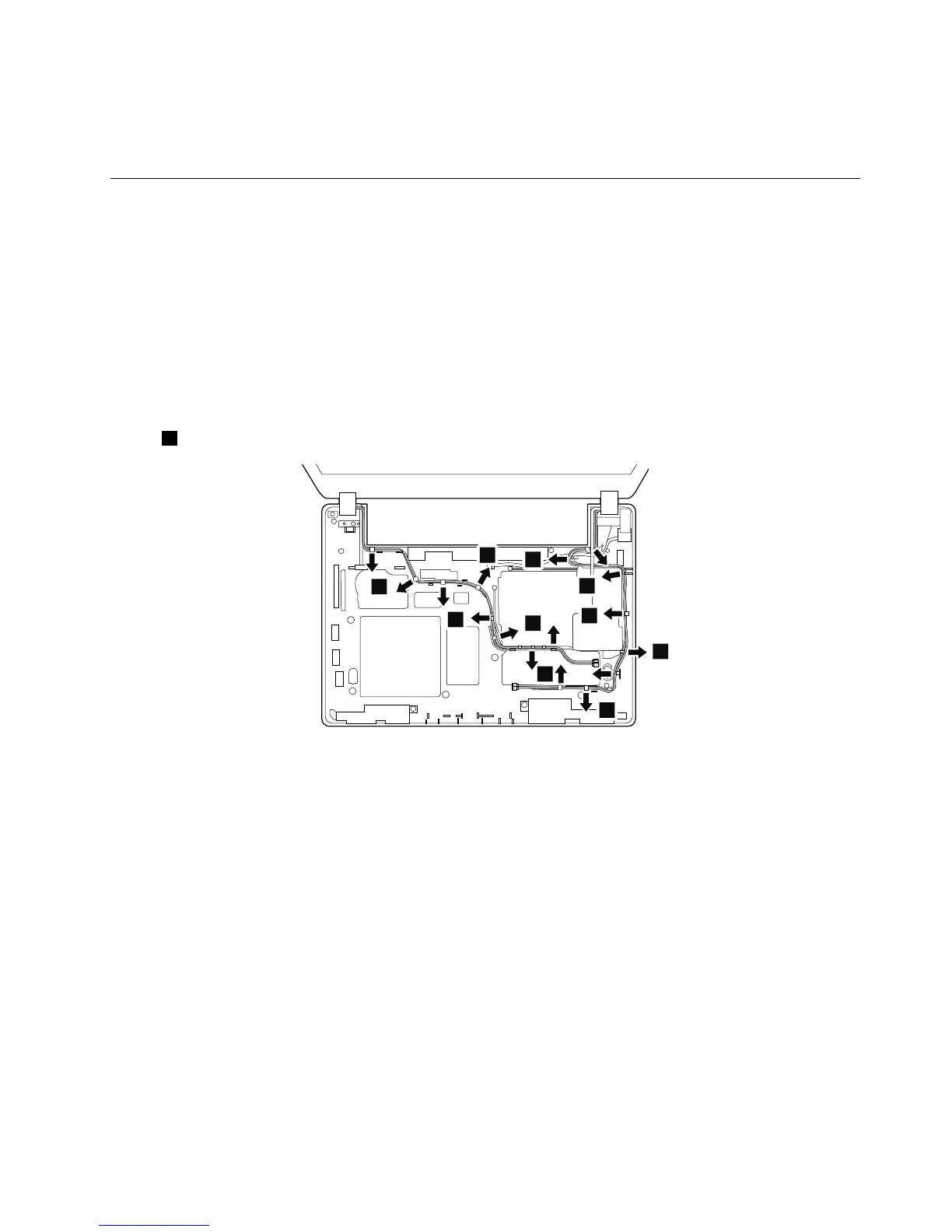
RemovalstepsofLCDunit
Instep1,releasetheantennacablesfromthecableguides.
Wheninstalling:
•Ensurethatthecablesareattachedtothecableguidesrmly.
•Whenyouroutethecables,ensurethattheyarenotsubjecttoanytension.Tensioncouldcausethe
cablestobedamagedbythecableguides,orawiretobebroken.
Chapter9.RemovingorreplacingaFRU77



 To Next Page