Product overview
8
• To reset the product, press and hold the voice recording ( ) and REC ( ) buttons simultaneously until
you hear beeps.
• The security LED status may vary depending on the selected mode.
• Refer to the following table to check the status of the product using the LED indicators.
For more information about the REC LED, refer to "3.3 Using the continuous recording feature" on page 17.
LED LED status Operation description
BT/WiFi
(light on) Wi-Fi connected
(light on) /
(flickers)
Bluetooth on/Bluetooth pairing
>
(flickers)
Bluetooth/Wi-Fi reset
(light on for 5 seconds)
When pressing the Wi-Fi button
when Bluetooth/Wi-Fi is OFF in a
high temperature environment
GPS
(light on) GPS connected
Misc.
Wi-Fi
>
REC
>
GPS
(flickers)
Firmware upgrade
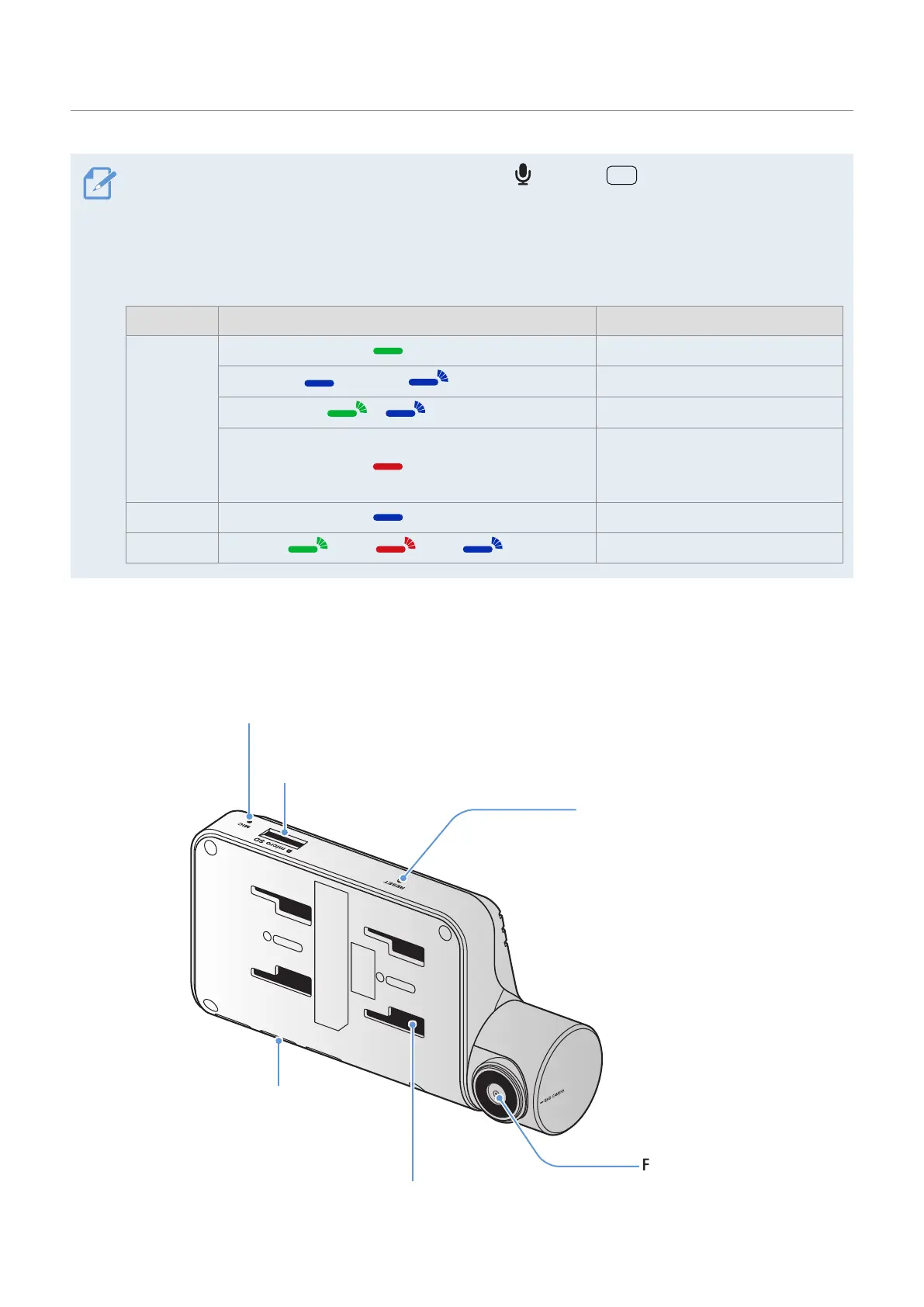
1.2.2 Front camera (main unit) - rear view
Security LED
Indicates that video
is being recorded.
Microphone
Used for voice recording.
Memory card slot
Insert a memory card to save recordings.
Mount connector
Used to connect the mount.
Front camera lens
Records the front view.
Reset button
Insert the tip of a sharp object to reset
the product when an error occurs.



 To Next Page